Summary: ◀▼
You can retrieve custom object records in action flows using two methods: lookup by record ID for specific records linked to tickets or users, and search by object type with filter conditions, search terms, and sorting options to find multiple relevant records. Use lookup when you have the record ID, and search when you need to find records based on characteristics or keywords.
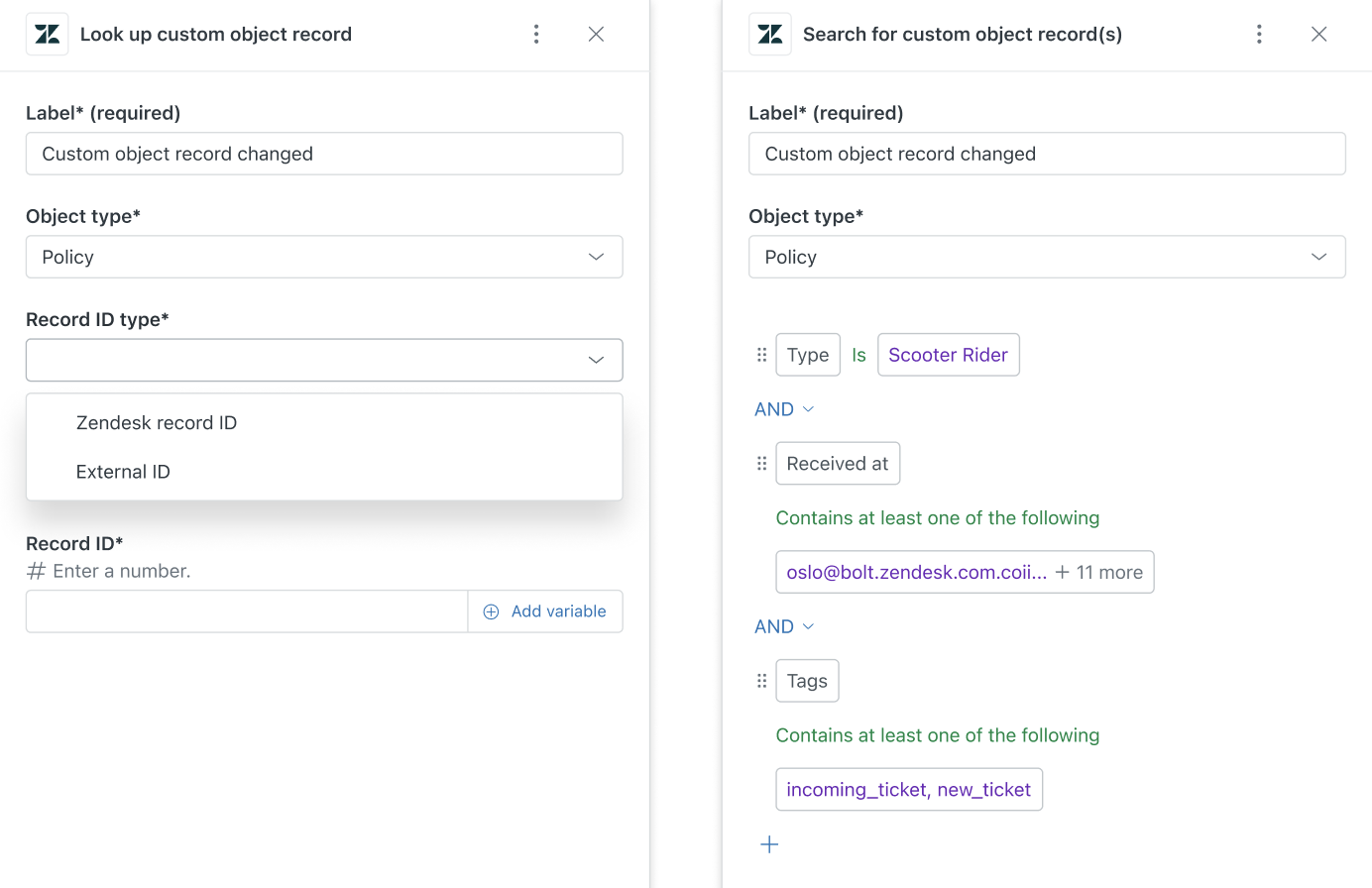
Action flows are user-defined automated workflows that can perform actions in Zendesk and connected external systems. Within action flows, there are two ways to retrieve custom object records: the Lookup custom object record step and the Search for custom object record step. While both return information about custom object records, it's important to understand when to use each of these actions.
The Lookup custom object record action requires a record ID as input and returns data only about that particular record. This action is commonly used when a record is related to a ticket, user, or other object that has already come up in a previous step of the action flow and the ID can be entered as a variable from a previous step.
- Filter conditions: The characteristics matching records must have, in the format of Category | Operator | Value. Conditions can be nested up to three layers deep.
- Search term: The word or phrase is searched against all text-based fields in the records. Separate multiple words with spaces.
- Sort order: Sort the matching records by name, when it was created, or when it was last updated. If sort order isn't specified, it defaults to relevance.
- Page size: Specify the number of records to return per page.
- Sort by: Sort the matching records by ascending or descending order. Available only when sort order is specified.