Issue symptoms
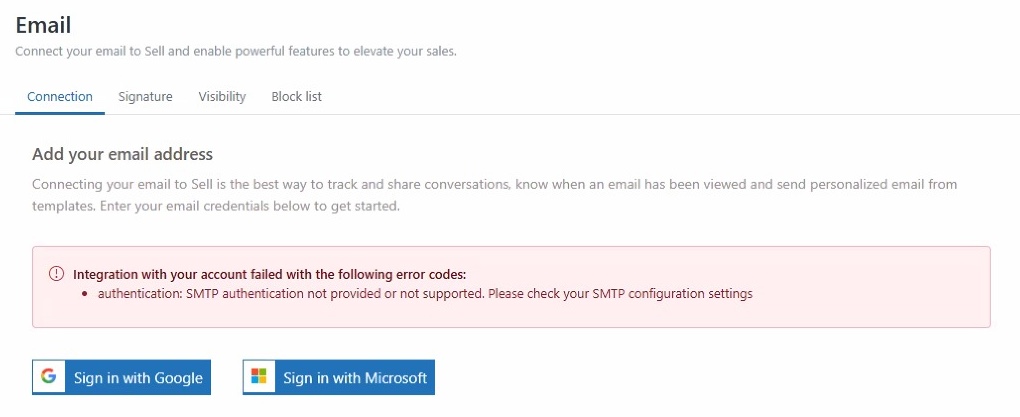
I am trying to integrate an email account to my Sales account, previously named Sell. I followed the steps to add my email and see the error message: Authentication: SMTP authentication not provided or not supported. Please check your SMTP configuration settings.
 Resolution steps
The error message Authentication: SMTP authentication not provided or not supported indicates that the authorization of your OAUTH application on the Office 365 side was successful. However, Zendesk ran into an SMTP AUTH error when connecting the integration.
To resolve your issue
- Ask your email admin to enable SMTP AUTH on your email account. For more information, see the article: Use the Microsoft 365 admin center to enable or disable SMTP AUTH on specific mailboxes
- After enabling the email protocol, integrate your Office 365 email
Note: Enabling SMTP alone will not resolve this error message. This email protocol is often turned off in Office 365 by default. Your email admin must turn on both IMAP and SMTP and SMTP AUTH for your mailbox, as Sales uses these protocols to synchronize and send emails to your account.
For more information, see the article: Troubleshooting email integration errors.