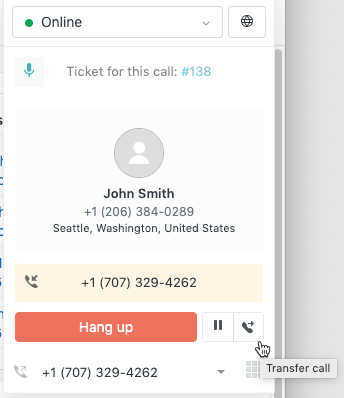
You can end a call manually by hanging up. If the customer you're talking to hangs up first, the call automatically ends.
- Click Hang up in the call console. If you've redirected the call to your
phone you can end the call by hanging up.
With the call ended and the ticket still open, you're considered to be in wrap-up and unavailable to take more calls. This gives you time to complete annotating and setting the ticket properties before moving on to the next call. When you are ready to go back into the pool of available agents, you can make yourself available.
- In the call console, click Available to take new calls.

If you do not see this option, then your administrator has disabled agent wrap-up. This means you are immediately available for another call when you finish a call. For details, see Enabling the voice channel and configuring general settings or Managing phone line settings.