Verified AI summary ◀▼
The Contact Center desktop offers tools like agent status, contact search, and outbound calls to streamline your workflow. Access recent performance dashboards and adjust agent or supervisor settings as needed. Use contact search to find customers by details like email or phone number, and manage favorites for quick access. Outbound calls are made easy with the number pad and Quick connects.
The Contact Center desktop gives you essential tools and information, including agent status, contact search, outbound calls, recent performance dashboards, and agent and supervisor settings.
This article contains the following topics:
Agent status
After signing in to Contact Center, your agent status is offline by default. You need to change your status to available to make or receive calls.
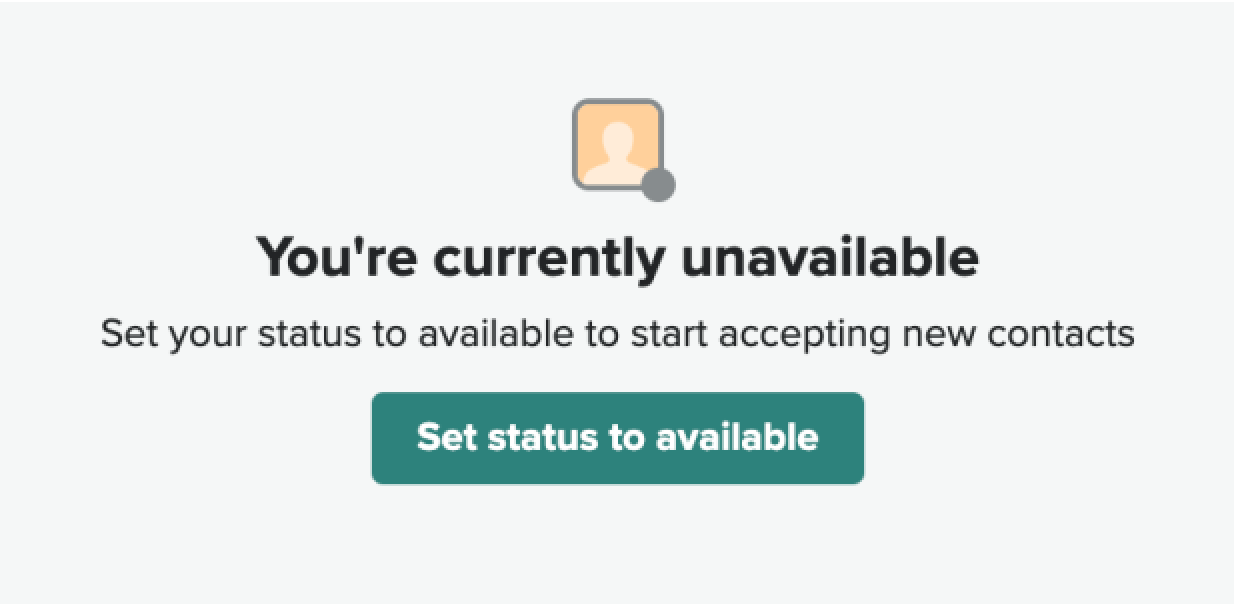
You can select a different status by clicking on your profile at the top-right of the desktop.
Contact search
Contact search helps you to search customers by using one of the following details:
- Profile ID
- Email address
- Phone number
- Full customer name
- Account number
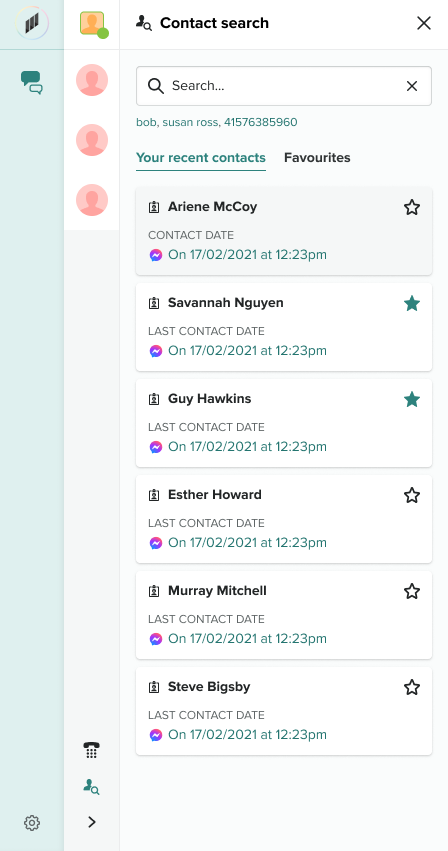
To access Contact search click the search icon next to the agent status.

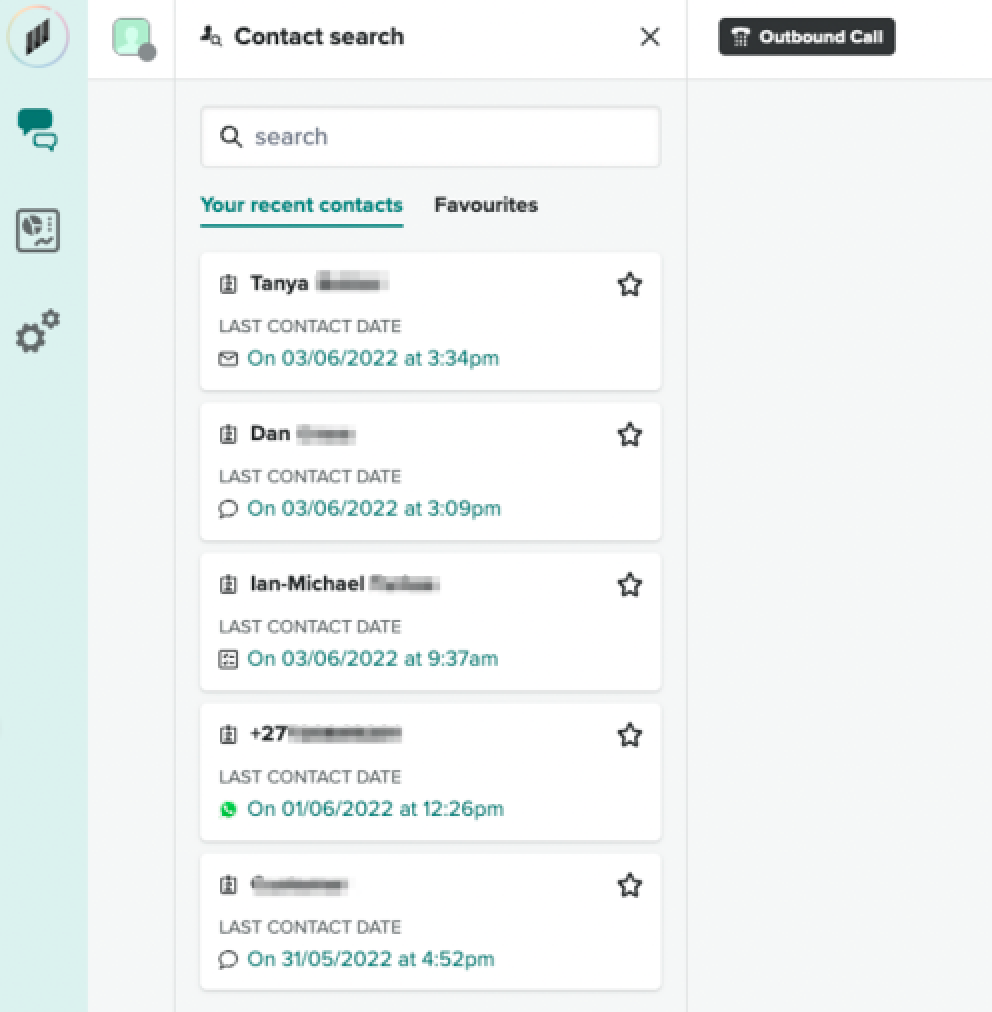
Opening the Contact search panel displays a list of your last six customer interactions. Opening a customer profile from Contact search gives you access to their conversation history, previous tasks and notes, resolution codes and additional customer details.
You can favorite customers by clicking the star icon to the left of the customer’s name. You can then click Favorites tab to view any contacts you have saved as a favorite. Contacts can be removed from favorites by clicking the star icon again.
Outbound call
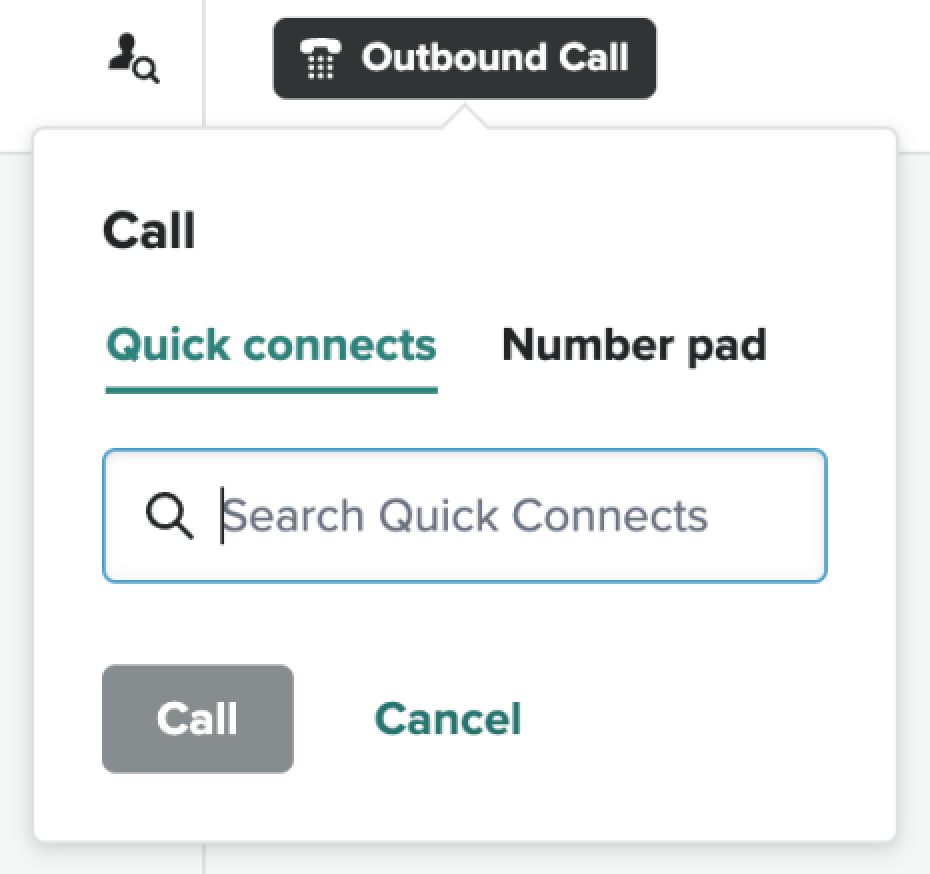
The Outbound call button opens the Quick connects tab, giving you access to the number pad in order to place outbound calls from the Contact Center desktop.
You can search Quick connects using the search bar. Quick connects for external numbers will be listed in the panel, if they are set up. Additional Quick connects might not be available until you are on a call.
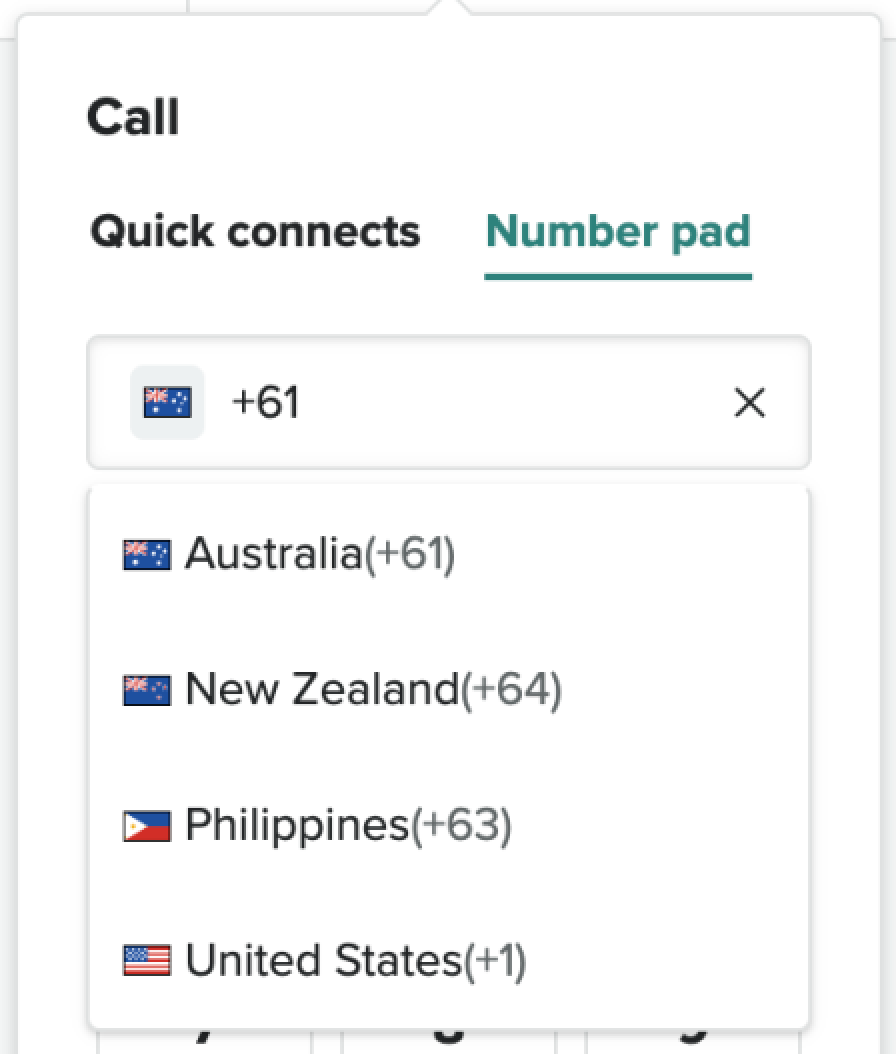
To dial a number, go to the Number pad. You can select a country code from the dropdown by clicking on the flag next to the country code already selected.
Recent performance dashboard
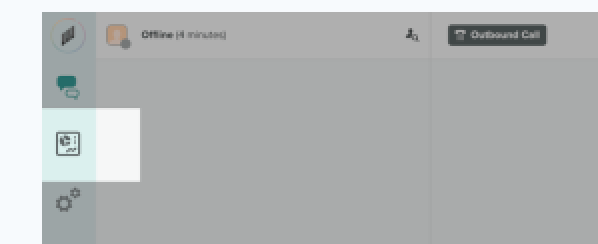
The recent performance dashboard needs to be enabled by a Contact Center admin, using the supervisor settings. It can then be accessed via the dashboard icon at the top right of the desktop.
Agent settings
You can open the Agent settings by clicking on the gear icon, to the right of the desktop.
Admin settings
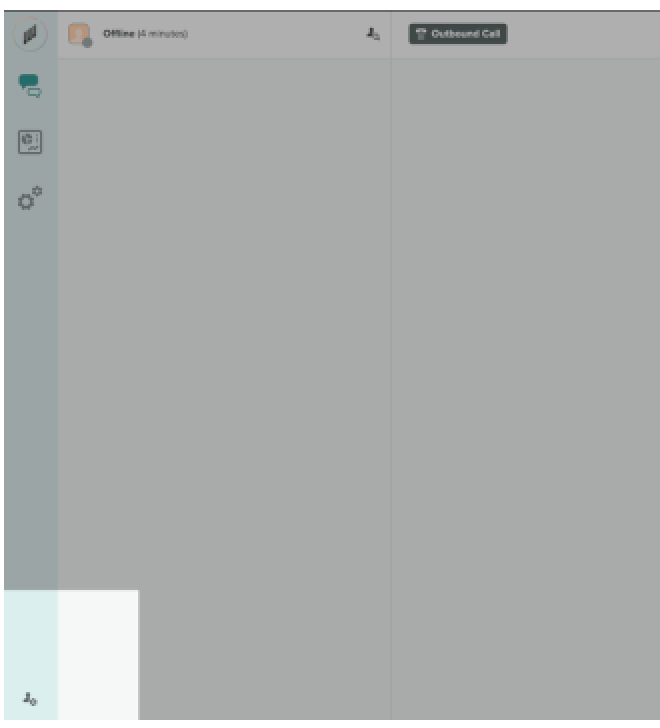
Administration settings are only available to Contact Center admins. To
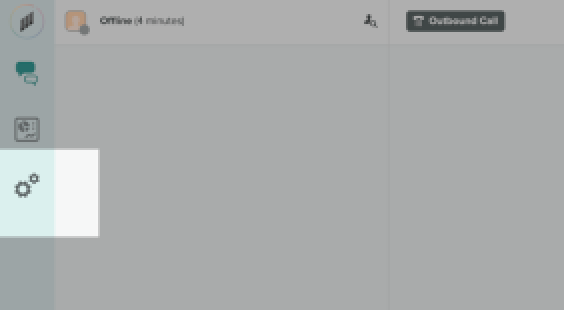
access the settings, click the gears icon ( ).
).