Verified AI summary ◀▼
Brand and queue mapping in the Contact Center lets you assign calls to specific brands and queues, streamlining your call management. By configuring these settings, you can ensure that inbound and outbound calls are aligned with the correct brand and queue, enhancing your team's workflow. Use the Brands & Queues tab to add and map new queues or brands as needed.
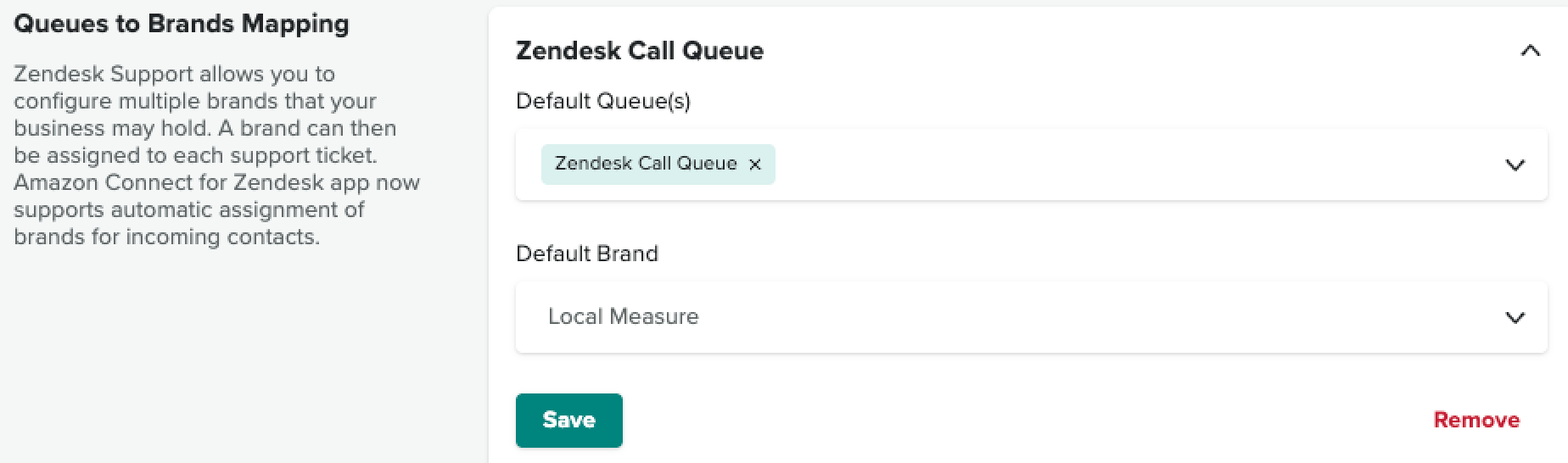
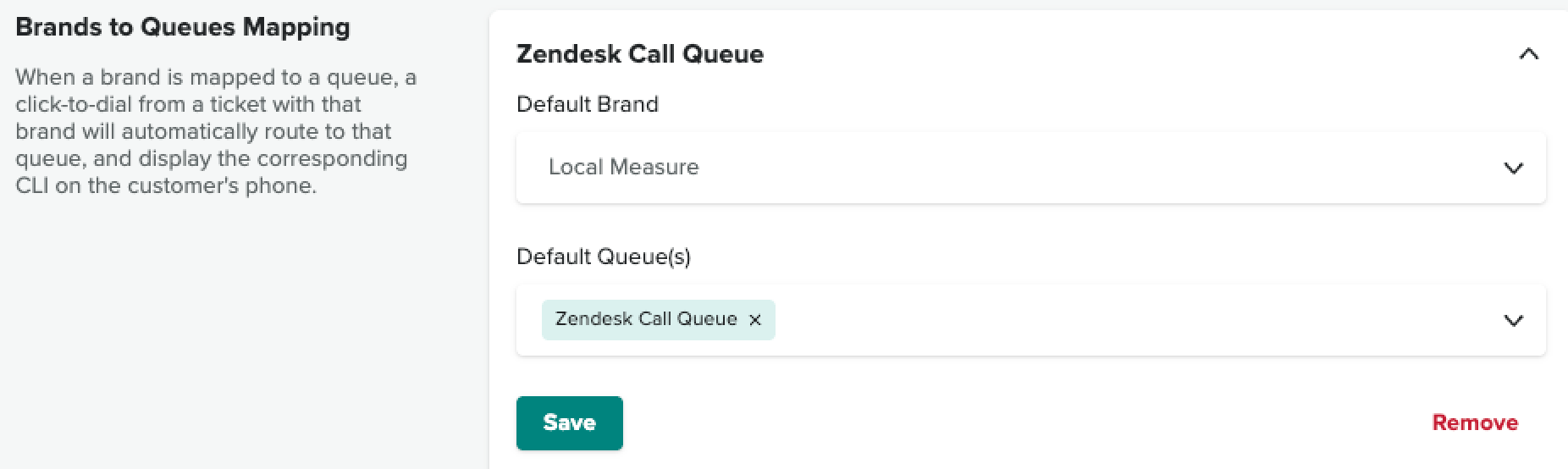
Brand and queue mapping allows you to define which brand a call should be assigned to when it enters a specific queue or when an agent is making an outbound call from a specific brand, which queue it should be calling out from. This will help speed up and simplify the process of aligning your queues and brands.
To configure brand and queue settings
- In the Contact Center app, navigate to the Brands & Queues tab.
Click Add new queue or Add new brand to start adding queues or brands to map.
Example mappings: