Verified AI summary ◀▼
To grant admin privileges in Contact Center, add users to the LMAdmin group in the Amazon Cognito user pool. This allows them to configure settings and access dashboards. For SSO users, ensure they sign in at least once before adding them. This setup enhances user management and access control within your contact center.
By default, newly created users are non-admin users. If a user needs admin privileges in Contact Center, to configure Contact Center settings and view dashboards, they must be added to the LMAdmin user pool group that was created with the CloudFormation stack.
To add a Contact Center admin user
- In the Amazon Cognito user pool, go to Groups. You'll see a group named
LMAdmin.
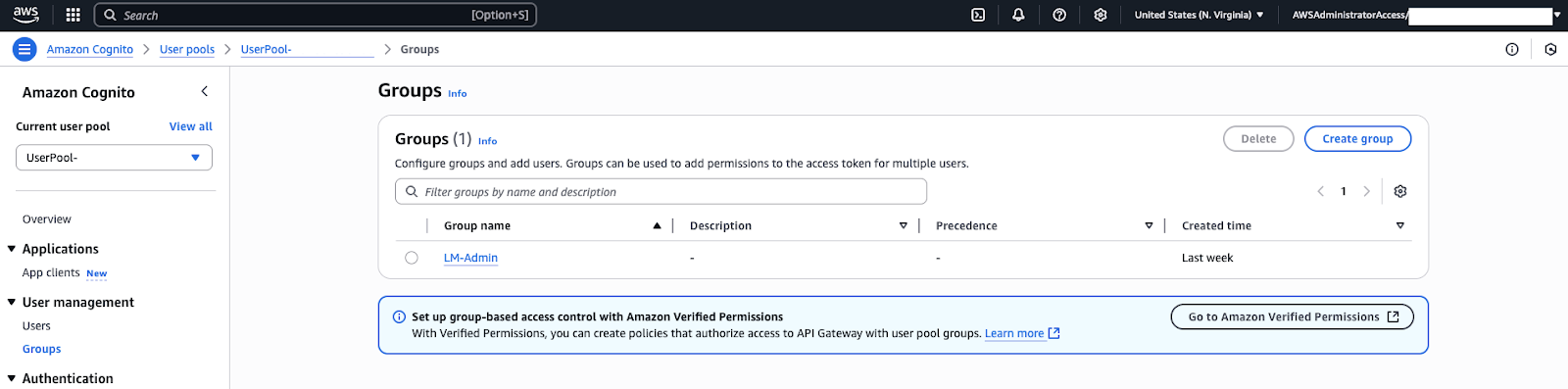
- Click the LMAdmin group.
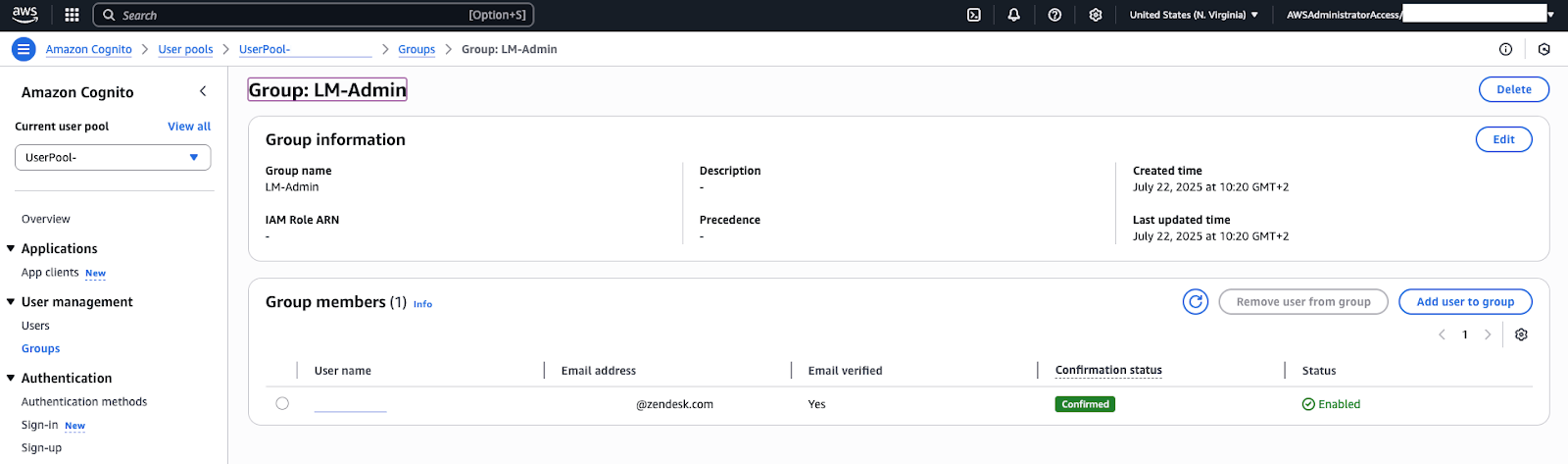
- Click Add user to group.
- In the side panel, search for the user, then select the desired user.
- Click Add.
If you use SSO, the users available to add to this group are only
created after they've successfully signed into Contact Center, at least once.
Once added, the user will gain access to the settings and dashboard pages in
Contact Center.
Note: Connect provides the core contact center capabilities that
Contact Center builds on.