| Announced on | Rollout starts on | Rollout ends on |
| February 13, 2026 | December 11, 2025 | February 13, 2026 |
We’re excited to announce that our powerful no-code tool for implementing generative search is now General Available (GA). Knowledge admins can now leverage the power of quick answers in their help center theme without manually writing or modifying code.
Initially launched as a beta to validate common patterns, this tool is now ready to help all eligible customers remove the technical barriers to AI adoption.
This announcement includes the following topics:
What’s changing?
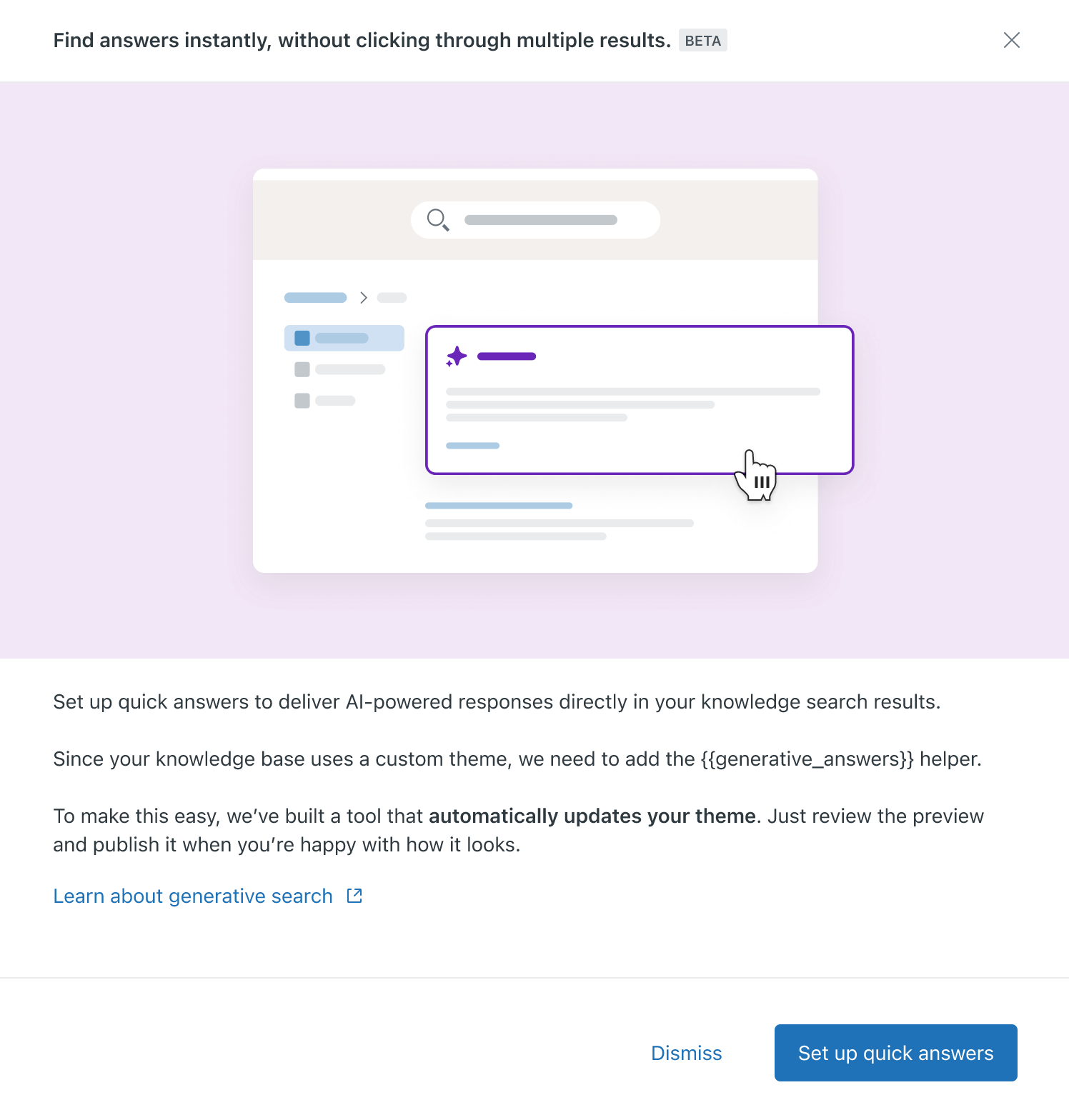
The quick answers theme updater tool automatically inserts the {{generative_answers}} helper into your theme without requiring you to touch the code. After the helper is inserted, you can preview and review exactly what users will see when they perform searches. You have the choice to either publish the changes to go live or deselect the helper to leave your current experience untouched.
Why is Zendesk making this change?
We know that many customers want to start using generative search, but editing a customized theme can be a significant barrier. This tool makes it easy and fast to start providing AI-powered answers in your help center without needing developer resources.
What do I need to do?
If you don't use quick answers yet and your theme is eligible for the automatic update (primarily Copenhagen-based themes), you will see the feature appear in your account automatically. You can start the updater and follow the prompts to preview your changes.
- For Copenhagen theme users: Follow the automated workflow in your account to enable the feature.
- For custom theme users: If your theme is not eligible for the automatic update, see Add generative search results to your custom theme.
If you have feedback or questions related to this announcement, visit our community forum, where we collect and manage customer product feedback. For general assistance with your Zendesk products, contact Zendesk customer support.