Verified AI summary ◀▼
Enhance your help center content with AI writing tools that expand, simplify, and adjust tone to be more friendly or formal. These tools support multiple languages and have no usage limits for knowledge articles. Admins can easily turn this feature on or off in the Admin Center, allowing you to tailor content to better meet your audience's needs.
The enhance writing generative AI writing tools for Knowledge automatically improve the content of your articles and contents blocks in different ways:
- Expand: Rephrases help center content with additional language.
- Simplify: Rephrases help center content to be more concise and focus on the main idea.
- Make more friendly: Changes the tone of selected help center content so that it sounds more conversational.
- Make more formal: Changes the tone of selected help center content so that it sounds more professional.
These writing tools support the languages listed here. For more information about how your data is protected, see Zendesk AI Data Use Information.
While there are usage limits for the generative AI writing tools for the ticket composer, there are no such usage limits for the enhance writing tools for Knowledge.
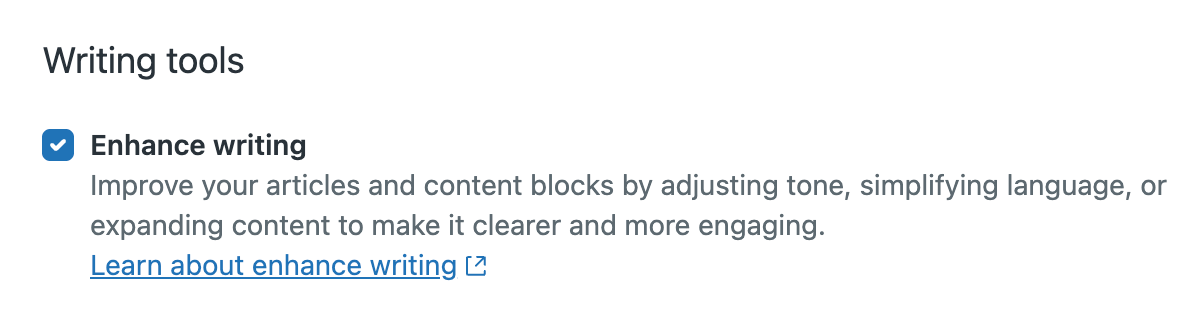
Admins can turn the enhance writing tools feature off or on in Admin Center. By default, this feature is turned on.
To turn the enhance writing tools off or on
- In Admin Center, click
 AI in the sidebar, then select Knowledge > Writing tools.
 - Select Enhance writing.
- Click Save.