Verified AI summary ◀▼
Approval requests let you ask other agents or end users to review and decide on ticket-related issues. You can create an approval request within a ticket, select an approver, and provide details for decision-making. This feature helps manage approvals directly in tickets, streamlining communication and decision processes without needing to leave the ticket interface.
Approvals are requests that agents make within tickets on behalf of other agents and end users. Agents send the requests to approvers, who are other agents or end users who have the authority to review the request information and make a decision.
Agents who created the approval request or are assigned to the ticket associated with an approval request can also respond to requests with comments within the approval request, share links to the approval request, and withdraw the request.
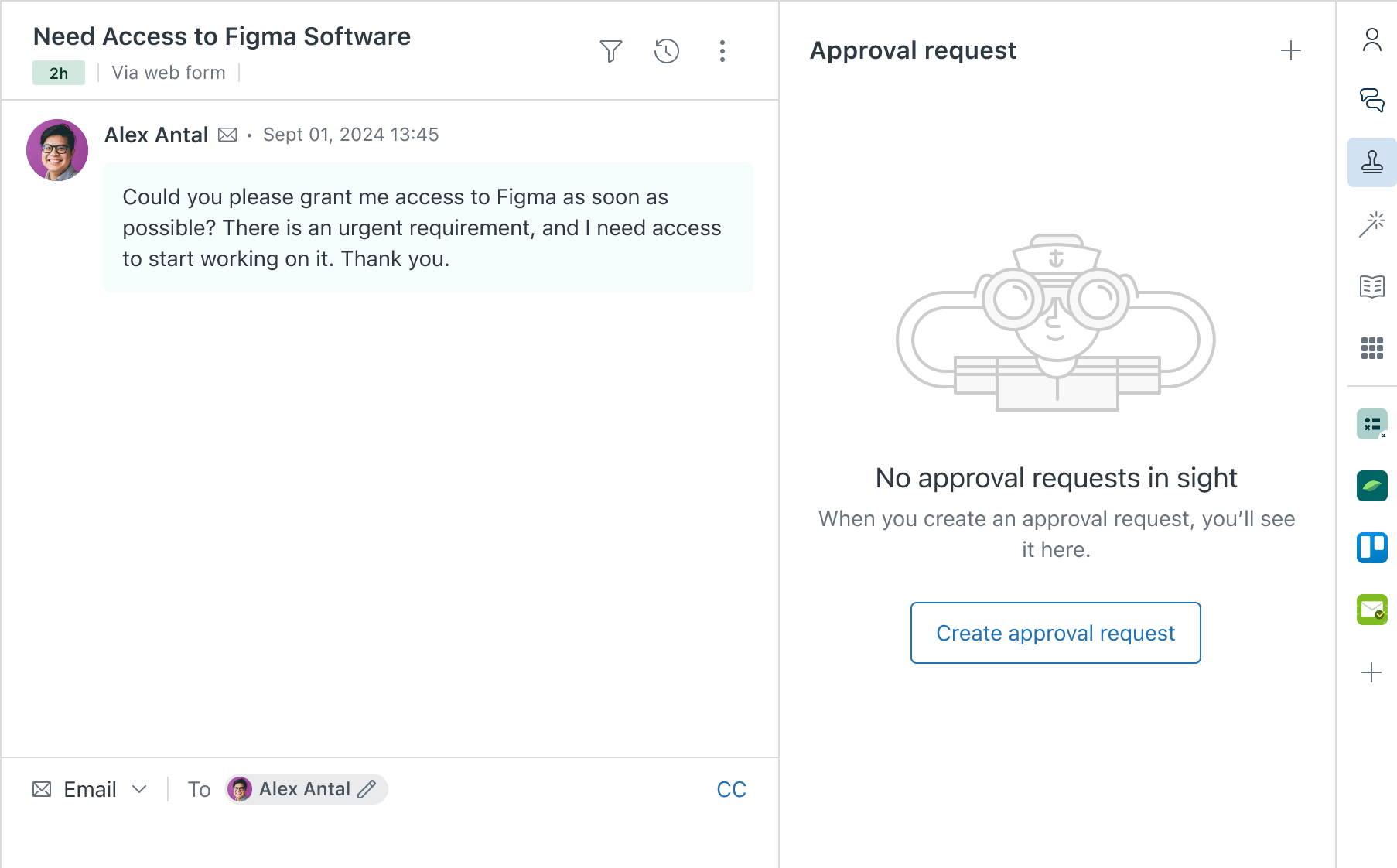
- In Support, access a ticket.
- Click the Approval request icon (
 ) in the context
panel.
) in the context
panel. - Click Create approval request.
- In the Approver menu, select a group of agents or an
individual who will approve the request.Note:
- The approver can't be the ticket requester, assignee, or the creator of the approval request.
- All groups in your account appear in the list, but groups with more than 30 agents can't be selected as the approver.
- Enter a Subject.
The value can be a maximum of 500 characters.
- Enter any relevant details the approver needs to make a decision
in the Description field.
Descriptions can be a maximum of 2,500 characters.

- Click Send approval request.