| Announced on | Rollout on |
| January 7, 2026 | January 7, 2026 |
Zendesk has simplified the self-management of product access for admins. Support admins can now manage their access to all product areas, while non-Support admins can manage their access to the product areas where they are admins.
This announcement answers the following topics:
What’s changing?
We are simplifying and standardizing the self-management of product access for admins. We are also making access control more consistent across different roles and product areas.
Previously, a Support admin couldn’t manage their own product access.
With this change:
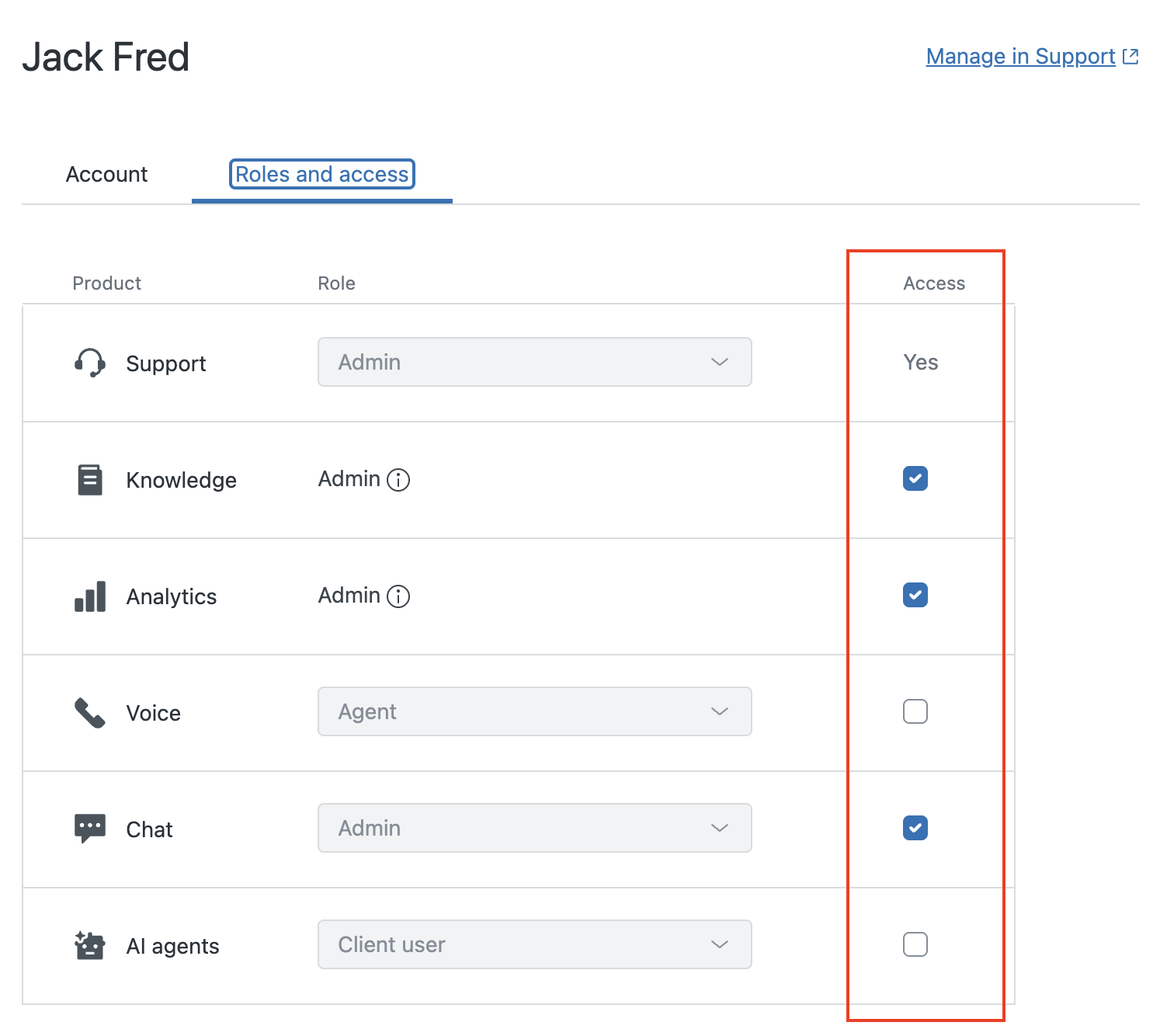
- Support admins can self-manage their access to any product area.
- Non-Support admins can self-manage their access only for the product areas where they are admins.
- If a user is an admin in any product area except Support and they remove their access to that product area, only another admin of the same product area, a Support admin, or the account owner can restore it.
Why is Zendesk making this change?
This change simplifies self-management by establishing a consistent behavior across product areas for managing access in the team management experience. The change also provides admins with the flexibility to manage their own access, rather than relying on the account owner, and reduces the risk of unintended changes to other product areas.
What do I need to do?
No action is required. Every admin who has access to the Team members page in Admin Center can now manage their own access to product areas, as described in this announcement.
For more information, see Setting roles and access in Zendesk Admin Center.
If you have feedback or questions related to this announcement, visit our community forum, where we collect and manage customer product feedback. For general assistance with your Zendesk products, contact Zendesk Customer Support.