| Announced on | Rollout starts | Rollout ends |
| February 10, 2026 | February 10, 2026 | February, 12, 2026 |
Zendesk is excited to introduce a new categorical framework for Launchpad that will organize setup experiences and provide clearer guidance. This update will make it easier for admins to navigate Launchpad and set up key features and products.
This announcement includes the following topics:
What is changing?
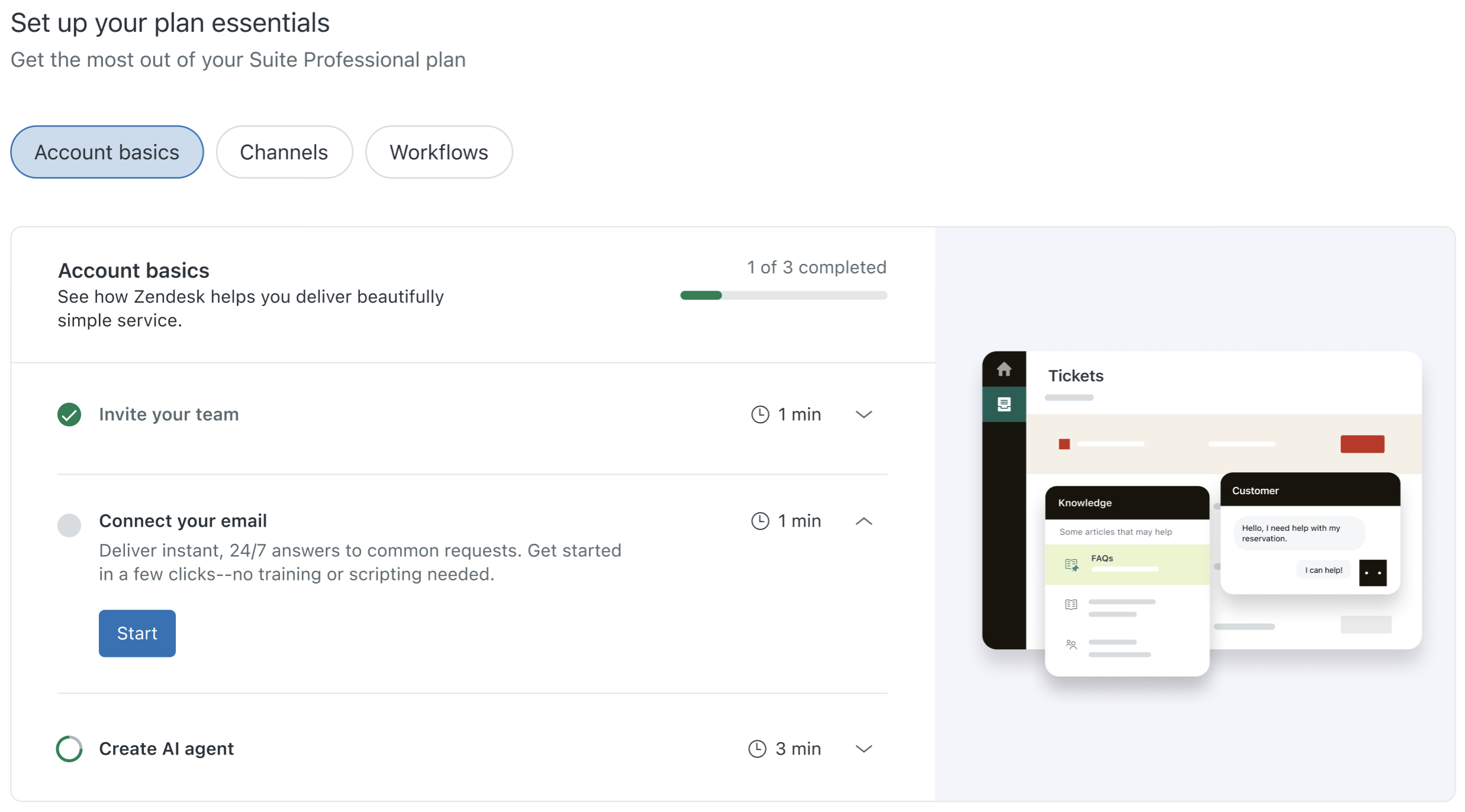
Launchpad now includes categories that organize setup tasks by theme or purpose. A new Account basics category will highlight the essential steps new customers should complete after purchasing Zendesk. This clear organization makes it easier to navigate Launchpad, helping you quickly find and finish the setup tasks most important to you.
Why is Zendesk making this change?
Launchpad aims to help customers get the most out of your Zendesk subscription and significantly reduce setup time. Making it easier to find and complete key setup tasks is essential to help you get up and running faster. Launchpad helps to start delivering great support sooner.
What do I need to do?
No action is required to enable these changes. Customers can start benefiting from the improved organization and guidance immediately once the rollout is complete.
Launchpad is available in your Zendesk account. Click the Launchpad icon in Admin Center or Support. See Using Launchpad to unlock the full potential of Zendesk.
If you have feedback or questions related to this announcement, visit our community forum where we collect and manage customer product feedback. For general assistance with your Zendesk products, contact Zendesk Customer Support.