| Announced on | Rollout starts | Rollout ends |
| February 5, 2026 | February 5, 2026 | February 13, 2026 |
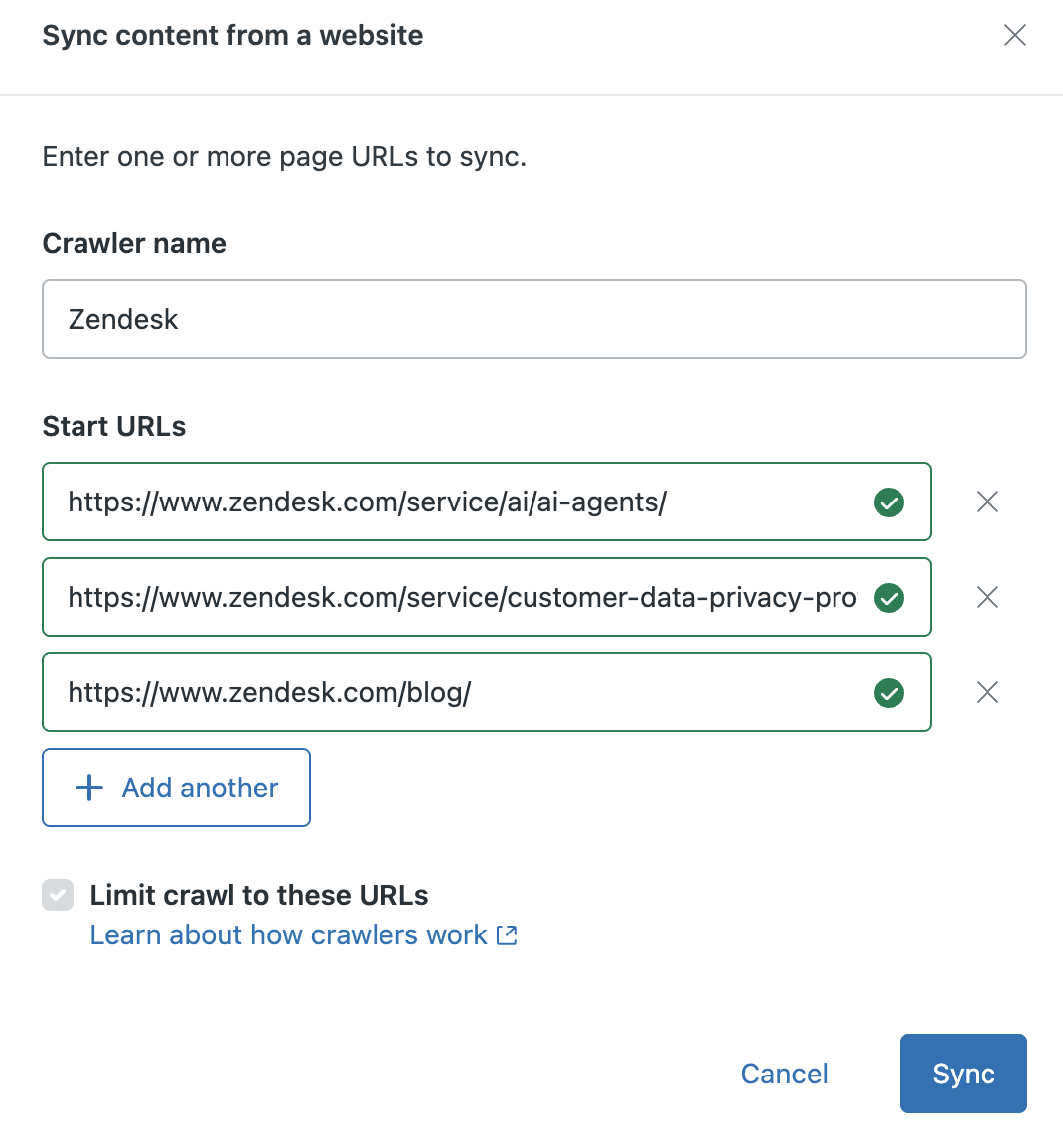
We’re excited to announce that we’ve simplified the setup flow for the web crawler. Customers can now set up web crawlers by providing a start URL, without needing to specify a sitemap.xml or link the crawler to specific sources or types within your help center.
This announcement contains these topics:
What is changing?
The new web crawler features several enhancements that together, streamline and simplify the crawler setup process:
- Automatic sitemap discovery: You're no longer required to input and validate a sitemap.xml file in order to start the crawl. Instead, you can now enter the start URL you want to crawl and the system handles sitemap discovery in the background.
- Ability to crawl a list of single URLs: Instead of crawling the full domain, you can now choose to crawl up to five specific URLs.
- Automatic source creation: When creating a new crawler, you’re required to assign it a name. This name is now used by the system to automatically create the Source value, which is used as a filter in your help center search.
Why is Zendesk making this change?
Simplifying the web crawler setup results in a faster, more intuitive process for creating web crawlers, which lets you quickly realize their value in your help center. By providing greater flexibility to target smaller, more-focused sets of URLs, we can also now broaden the range of supported use cases.
What do I need to do?
The simplified crawler set up experience is available for all Zendesk customers. For more information about setting up the web crawler, see Using a web crawler to index external content.
If you have feedback or questions related to this announcement, visit our community forum where we collect and manage customer product feedback. For general assistance with your Zendesk products, contact Zendesk Customer Support.