Summary: ◀▼
You can create manual custom rating categories for QA scorecards to fit your team’s review process. These categories are scored by human reviewers, and admins or workspace managers can add them with a category name and optional reviewer description. After creating a category, you need to add it to your scorecards before you can use it.
In addition to the standard Zendesk Quality Assurance system categories, exact text-match custom rating categories, and AI prompt based categories , you can also create manual custom rating categories tailored to your organization's needs.
Manual categories are scored by human reviewers.
Admins and workspace managers can create new manual custom rating categories.
To create a manual custom category
- In Quality assurance, click your profile icon in the top-right corner.
- Click Settings.
- In the sidebar under Account, click Scorecards.
- Click Create at the top and select Manual category.
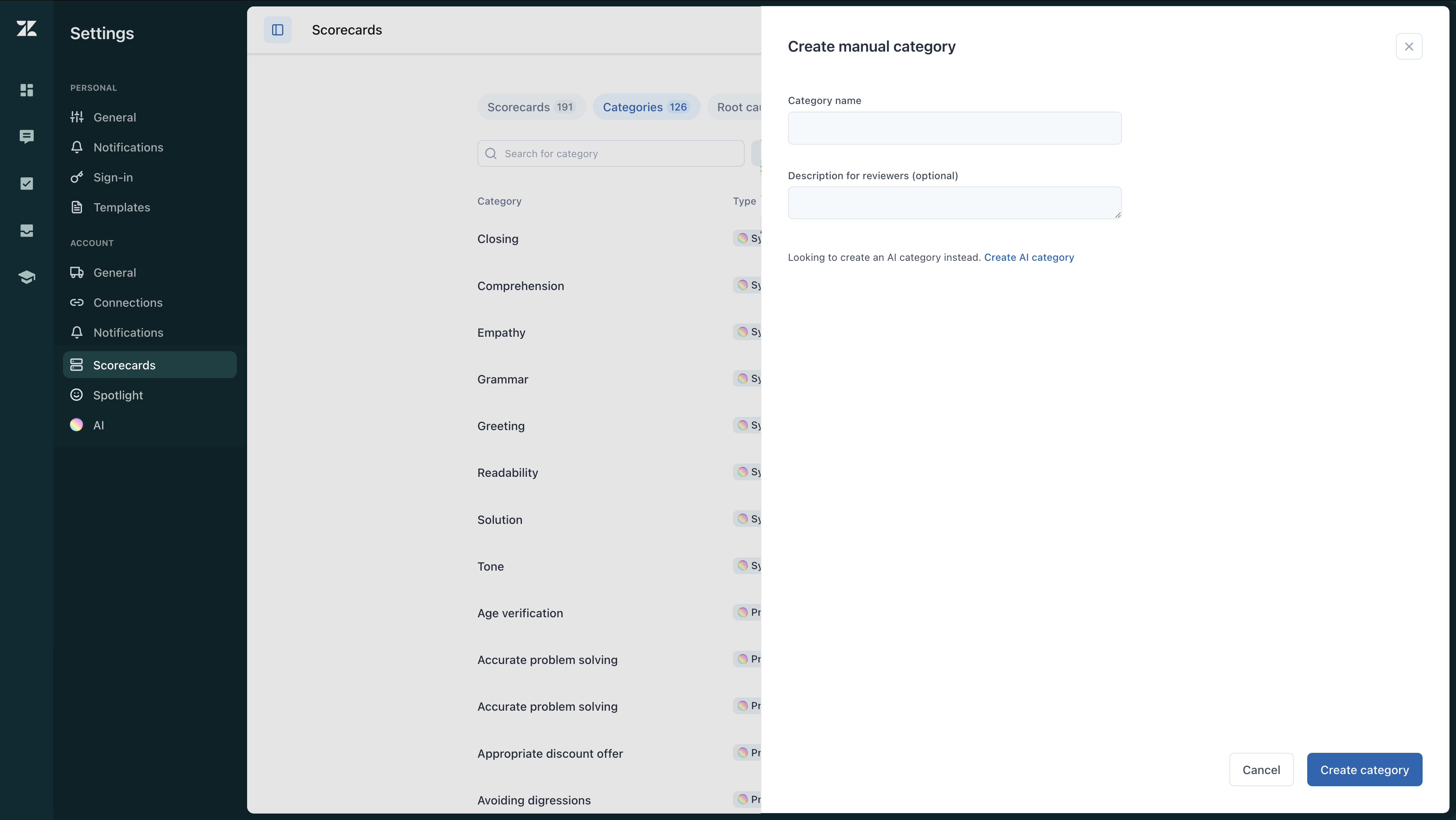
- Enter a Category name and Description for reviewers (optional).
This is displayed when hovering over a category name while rating a conversation.
- Click Create category.
- After creating it, you must add the category to your scorecards to start using it.