Summary: ◀▼
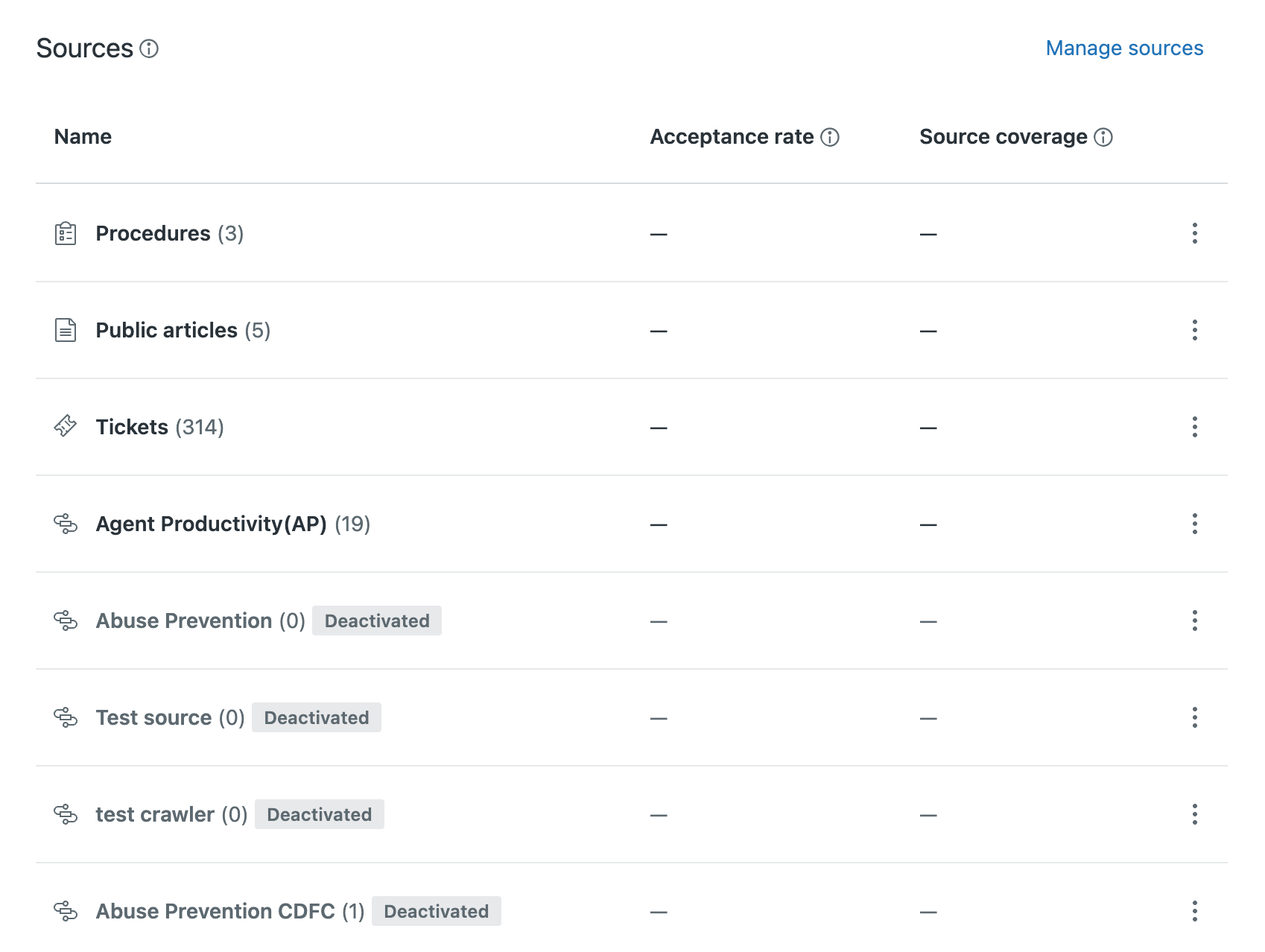
Connect external content from websites or knowledge sources so you can reuse existing articles across help center search, Agent Workspace quick answers, and AI agent responses. This helps you surface external knowledge in search results and AI-generated answers without recreating content, with support for up to 50 sources.
You might already have internal or customer-facing content in sources outside of Zendesk. If you do, you can connect certain external content with your Zendesk account so that you can incorporate it into various workflows, including help center search results.
Connecting external content lets you leverage content you’ve already created without having to spend the time recreating it in your Zendesk help center.
Understanding which external content sources you can connect
- Websites. You can configure a web crawler or an API call to index content from external web sites, such as your marketing or product website.
- Knowledge connectors. You can connect knowledge sources to bring content into Zendesk and make it available everywhere external content is used.
You can connect a maximum of 50 external content sources.
Understanding where you can use external content
-
Help center search results. You can show external content
results alongside your Zendesk help center articles when customers search
your Zendesk help center. If generative search (sometimes
called quick answers) is turned on, external content is also used to create
AI-generated answers to customers’ search queries in the help
center.

If you've installed or embedded the Web Widget and turned on multi-conversations, users can enter a follow-up question about the generative search results to continue the conversation in Web Widget. While the follow-up flow is functional even with a default messaging response, serving mainly as an entry point to Messaging, its full capabilities are unlocked when used in conjunction with AI Agents. When paired with an essential or advanced AI agent, users can engage with AI through your help center and receive automated, in-depth assistance. If the customer's questions are resolved during the AI agent conversation, this consumes an automated resolution.
Note: If your account reaches the monthly generative search limit and you do not have extended searches, this field won't appear for end users.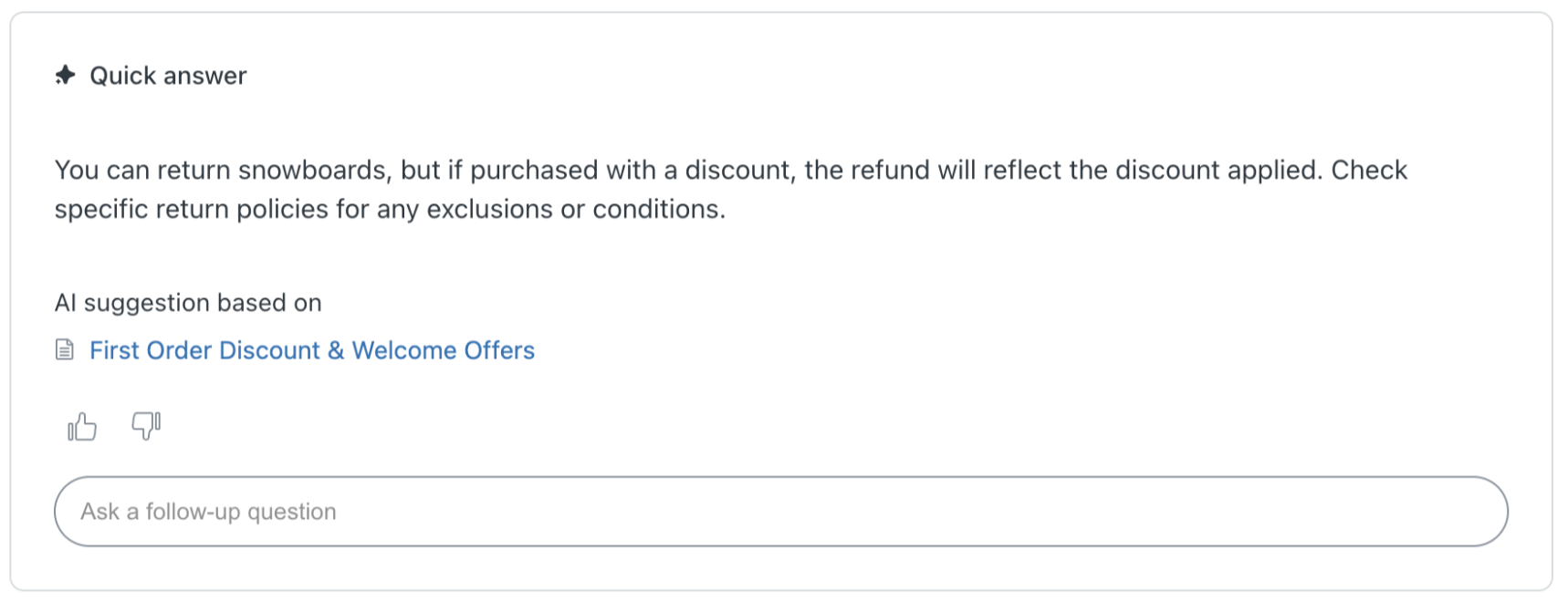
-
Knowledge in Agent Workspace. If quick answers is turned on for Agent
Workspace, external content is used to create AI-generated
answers to agents' queries in the context panel. To optimize your
experience, configure the default search
filters for the knowledge section in the context panel to include
external content.

-
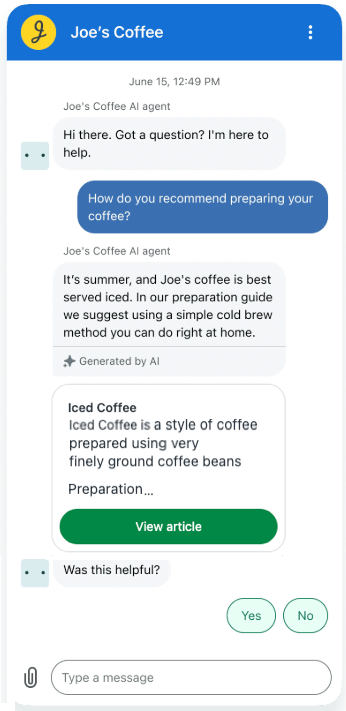
AI agent responses. Your AI agents can use external content to create
AI-generated answers to questions from your customers without requiring you
to script every response. External content is available for AI agents on the
Essential and Advanced
levels.
-
(Copilot add-on only) Sources for auto assist. You can use external
content as additional sources for auto assist. Auto assist can use these
sources to generate text replies for your agents to help them handle
tickets. See Managing sources for auto assist.
Using external content in workflows
To get started leveraging external content in your Zendesk workflows, perform the following steps:
-
Connect an external content source. Choose from one or more of the following sources:
- Website (web crawler): Using a web crawler to index external web site content
- Website (API call): Using an API call to index external web site content
- Knowledge connectors: Connecting external knowledge sources to your Zendesk account
-
Configure workflows to use the external content. Choose from one or more of the following workflows:
- Help center search results: Including external content in your help center search results
- Knowledge in Agent Workspace: Using quick answers for generative search in tickets
- AI agent responses: