Verified AI summary ◀▼
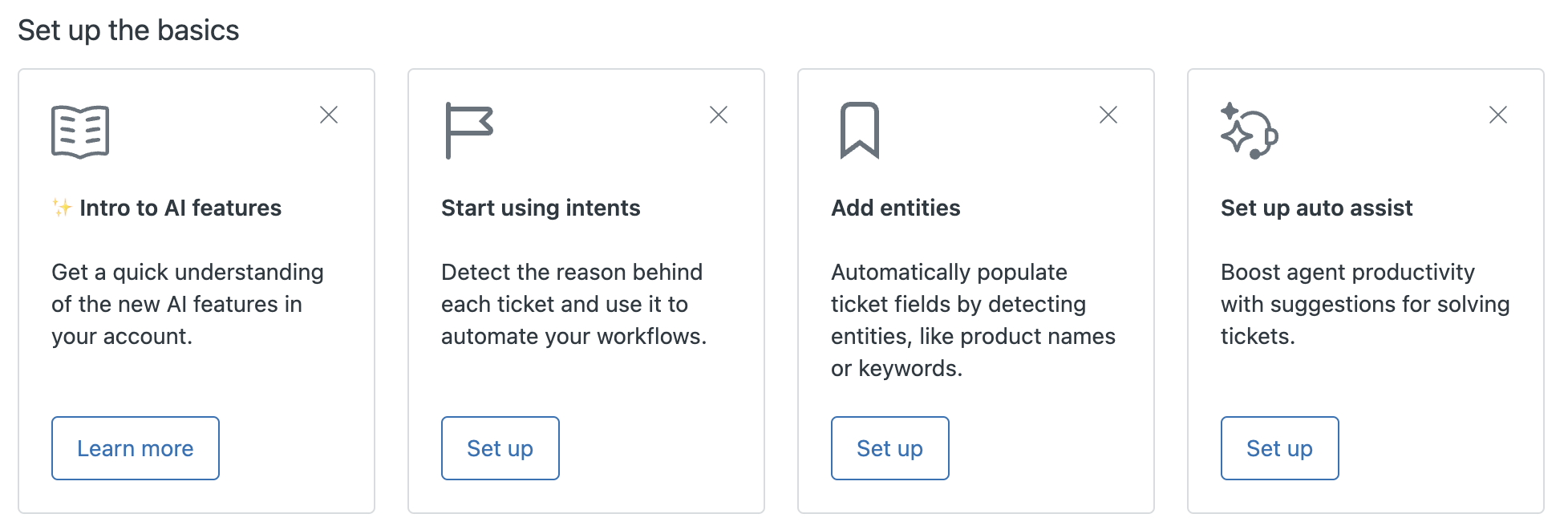
Access the Admin Center's Overview page to manage AI Copilot features, monitor performance, and optimize workflows. Set up AI basics, track feature status, and view metrics for the last 30 days to understand AI's impact on your support operations. You can also start a trial or upgrade to the Copilot add-on to enhance your AI capabilities.
The Overview page in Admin Center provides a centralized hub to manage all Copilot features, monitor performance, and uncover opportunities to optimize workflows. If you don't already have the Copilot add-on, you can start a trial or upgrade to the full Copilot add-on from this page.
Zendesk recommends viewing this page frequently as you start to use AI to make sure your configuration is fully implemented and working as effectively as possible.
This article includes these sections:
Opening the Overview page
You must be an admin to access the Overview page.
To open the Overview page
-
In Admin Center, click
 AI in the sidebar, then select Admin copilot > Overview.
The Overview page opens. This page includes separate sections to help you set up and optimize AI features in your account.
Upgrading to Copilot or starting a trial
If you don't have the Copilot add-on, you can buy the add-on or start a free 30 day trial from this page.
- From the Overview page, navigate to the Get started with
Copilot section.
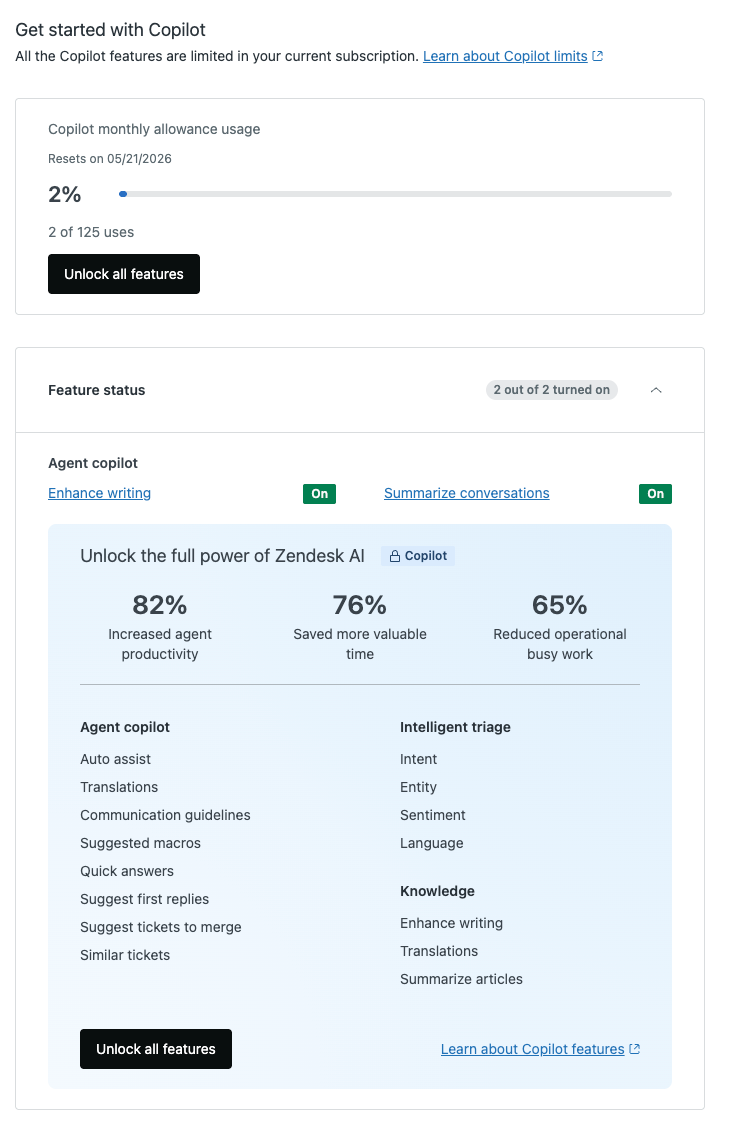
- From here, you can:
- Click Upgrade Copilot to buy the add-on. See Buying the Copilot add-on for more information.
- Click Start trial, then Start 30-day
trial to begin your free trial.
See Starting a Copilot trial and About the trial upgrade for more information.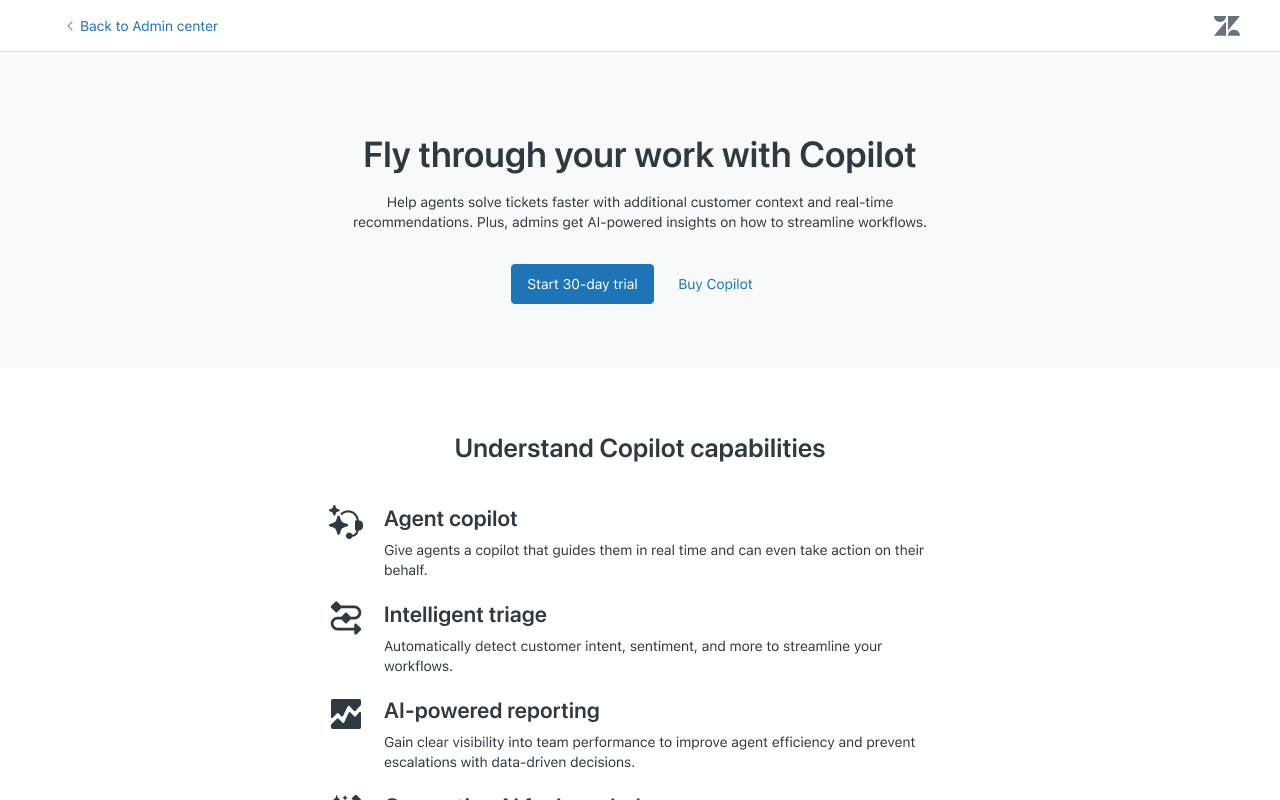
Setting up the basics
Viewing feature status
Use the Feature status section to monitor which AI features are turned on in your account. It helps you track which features you still need to activate.
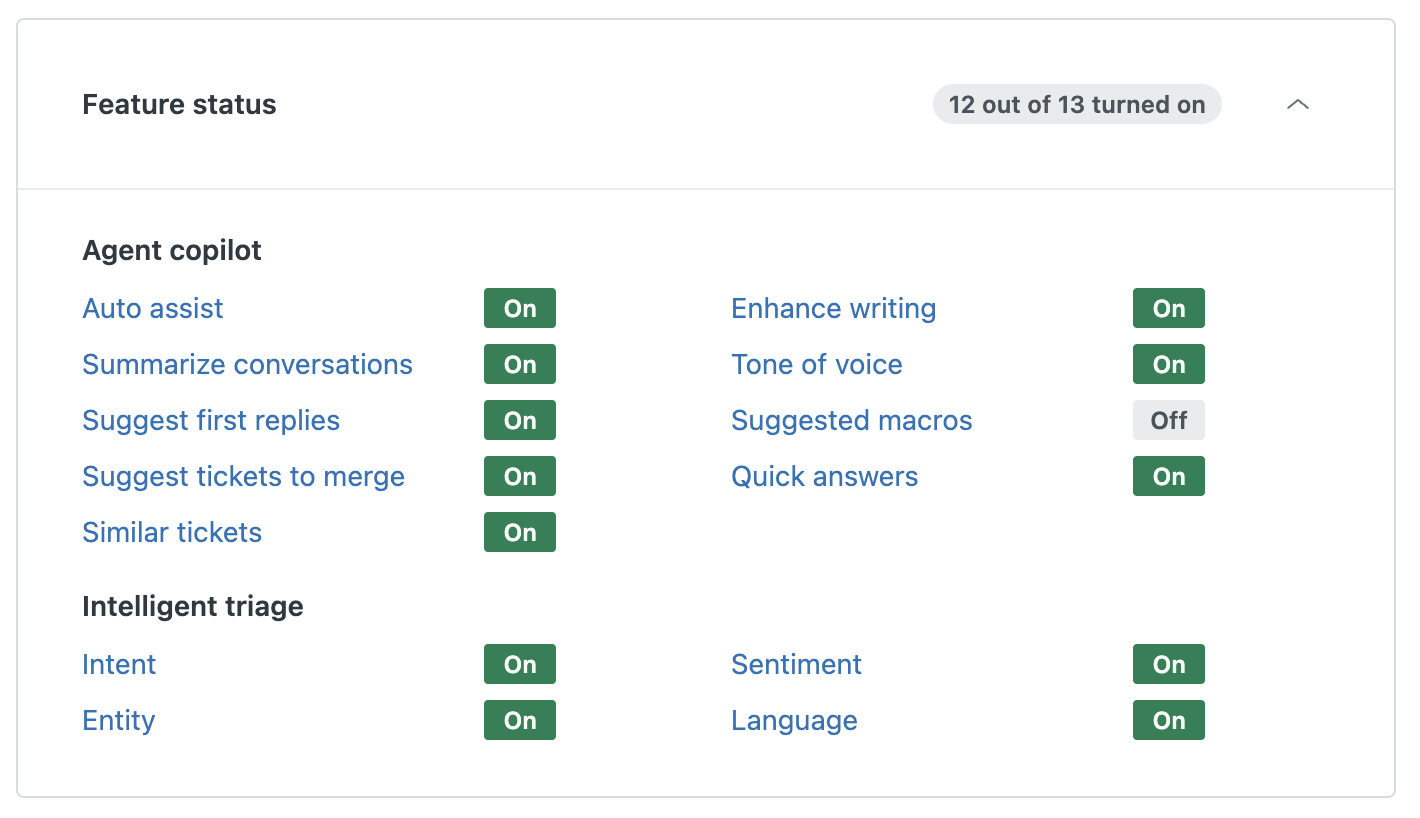
To activate a feature
- Click a feature in the list to open the settings page in Admin Center
that includes the feature.
A help panel will show contextual instructions on how to set up the feature.
Viewing AI impact for the last 30 days
The Metrics section shows the key metrics for Copilot features over the last month. These metrics help you measure the feature usage and the effectiveness of AI-assisted tickets. Metrics are updated weekly.
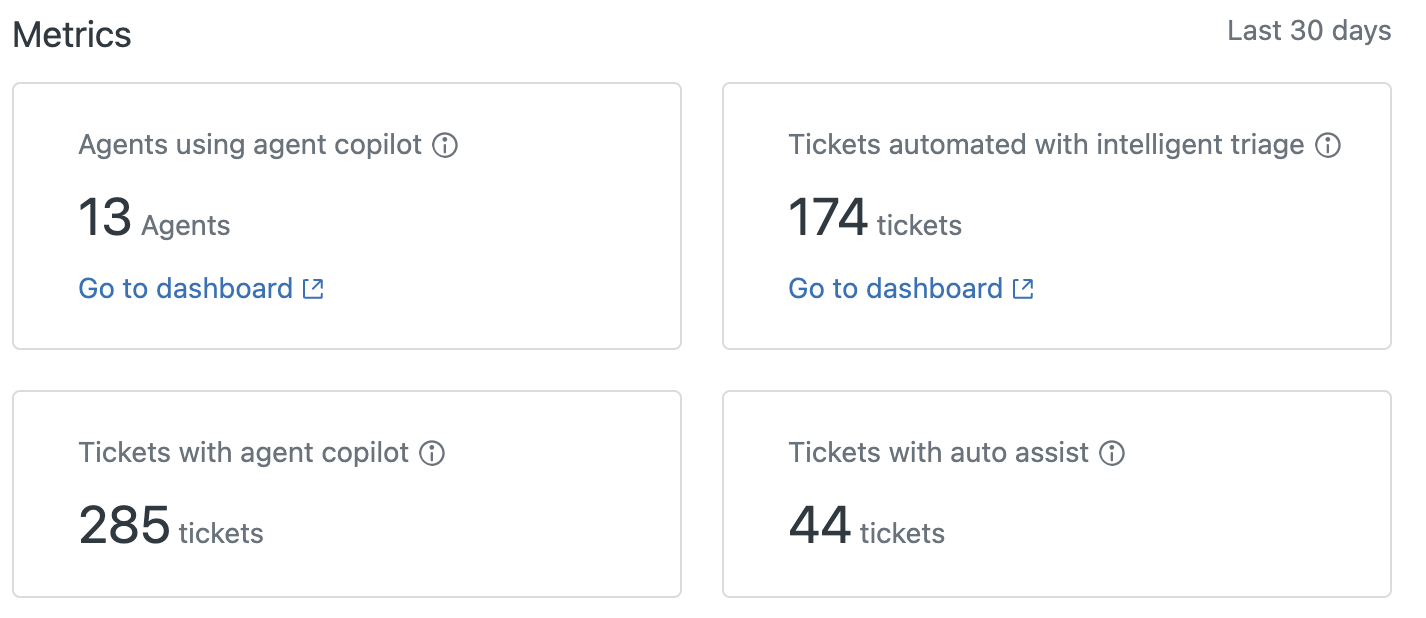
Activity includes:
-
Agents using agent copilot: The number of agents using
agent copilot features, including:
- Summaries generated
- Messages expanded
- Make friendly
- Make formal
- Similar tickets
- Merging suggestions
- Auto-assist
- Suggested first replies
- Suggested macros
- Quick answers from the knowledge base.
-
Tickets with agent copilot: The number of tickets using
agent copilot features, including:
- Summaries generated
- Messages expanded
- Make friendly
- Make formal
- Similar tickets
- Merging suggestions
- Auto-assist
- Suggested first replies
- Suggested macros
- Quick answers from the knowledge base.
See About agent copilot.
- (Copilot add-on only) Tickets automated with intelligent triage: The number of tickets with a trigger or automation based on intent, sentiment, or language. See About intelligent triage.
- (Copilot add-on only) Tickets with auto assist: The number of tickets where an auto-assist suggestion was accepted or edited. See Using auto assist to help agents solve tickets.