Automated resolutions are the unit of measurement used for calculating and billing your account for AI agent usage. Use the articles shown below to learn more about working with automated resolutions and automated resolution tiers.
The articles you reference depend on the type of account you have. Some accounts have the pricing model for traditional automated resolutions and some accounts have an evolved pricing model for automated resolutions. See How can I tell which account I have?
This article contains the following sections:
For accounts with the automated resolutions dashboard
If you have the automated resolutions dashboard in Admin Center, refer to these articles to learn more:
For accounts with the resolution usage and resolution allowance dashboards
If you have the resolution usage and resolution allowance dashboard, refer to these articles to learn more:
For accounts that are upgrading
If your account is upgrading to the new evolved pricing model, Zendesk will give you 30 days notice before your account is upgraded. Typically this will occur when you renew your subscription. If you are upgrading, refer to these articles to learn more:
How can I tell which account I have?
- Customers that have accounts with the traditional pricing model
for automated resolutions will see the automated
resolutions dashboard in Admin Center.
-
In Admin Center, click
 Account in the sidebar, then select Usage > Automated resolutions.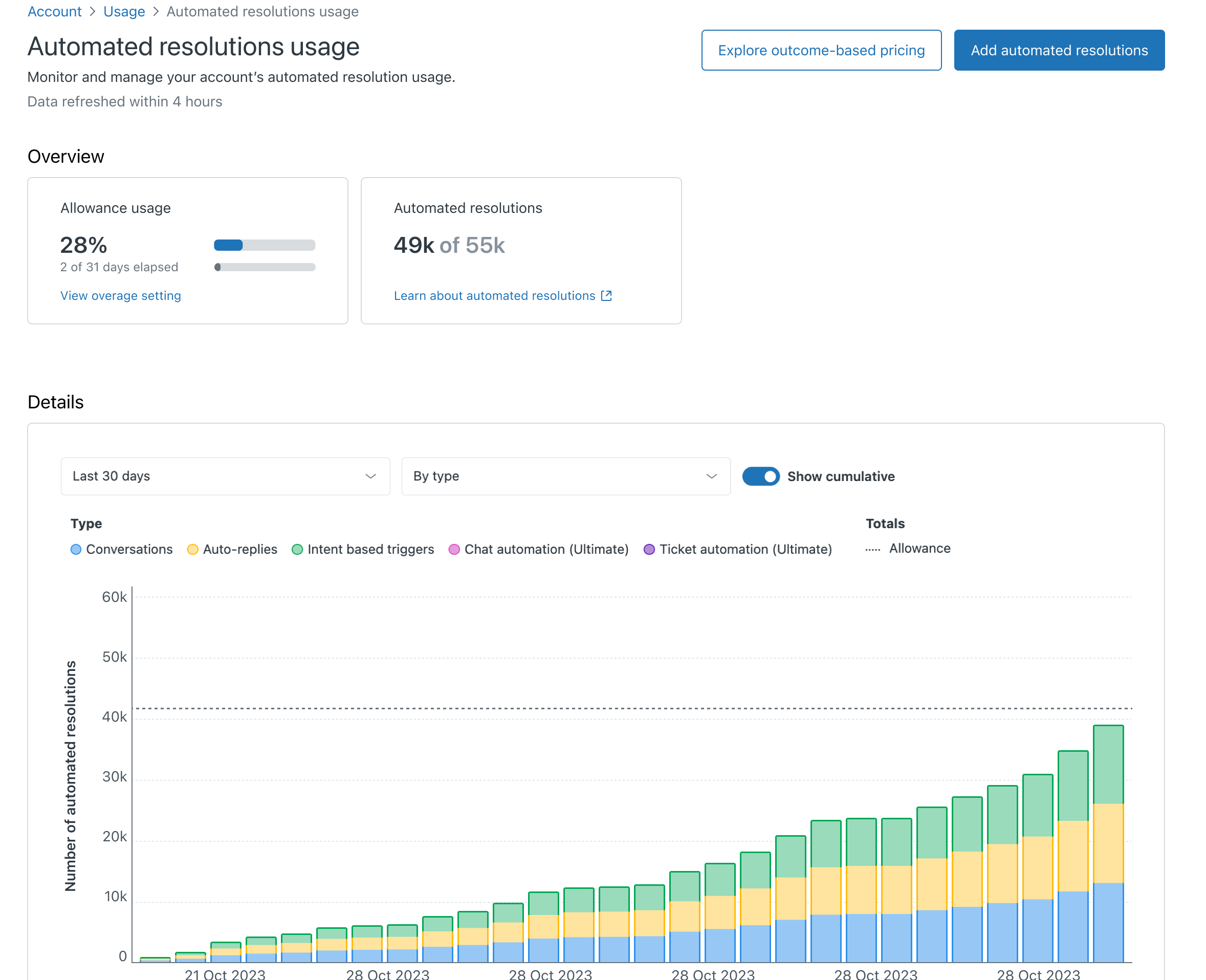
-
In Admin Center, click
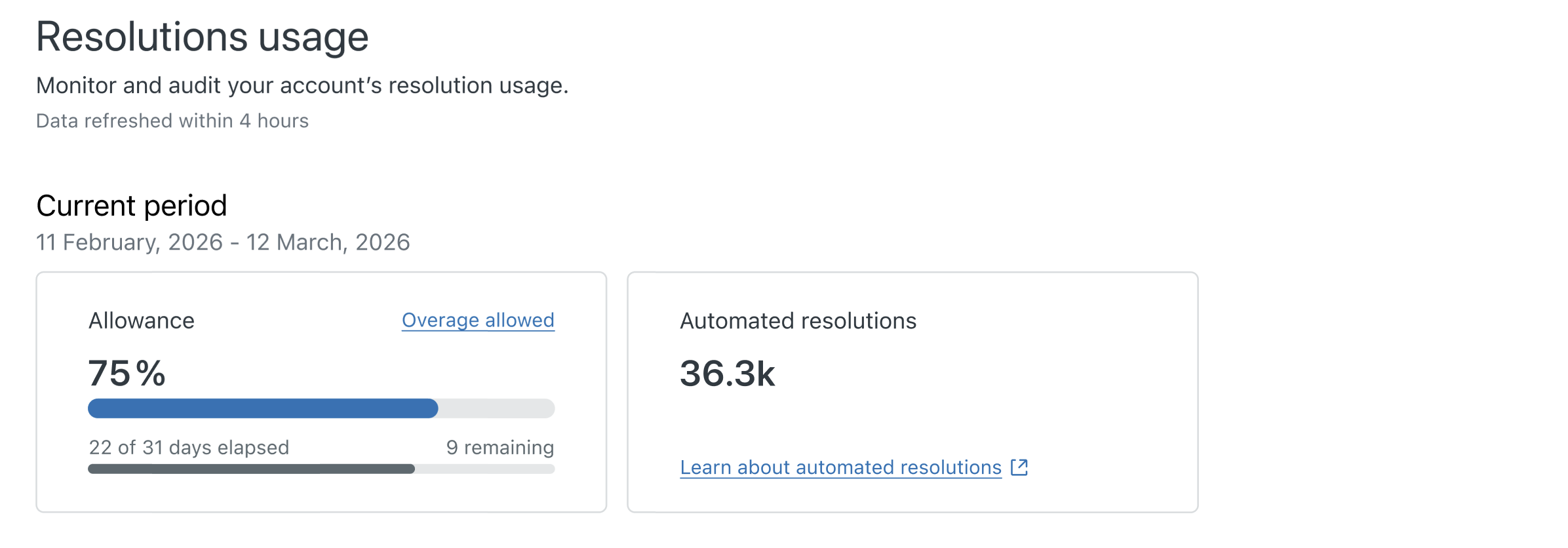
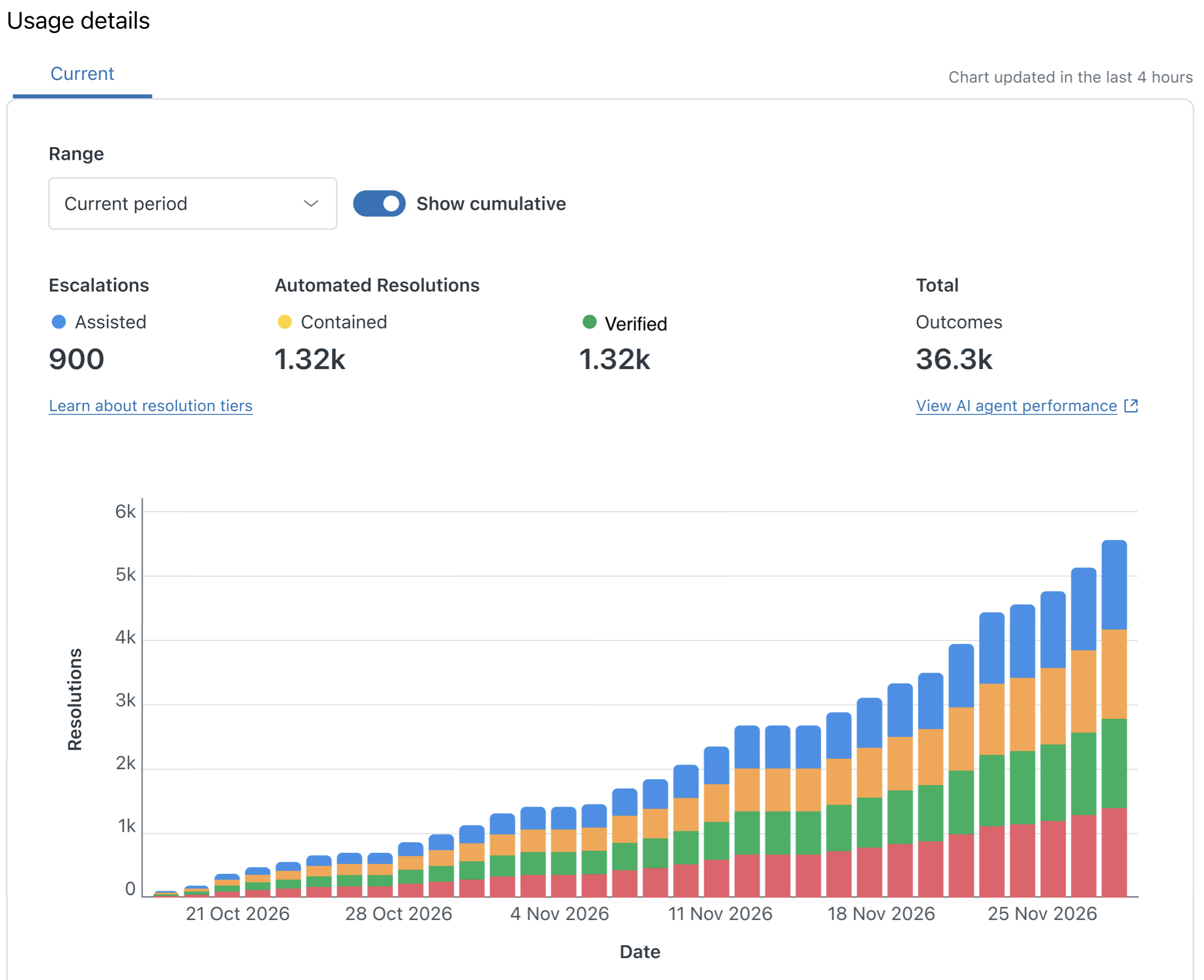
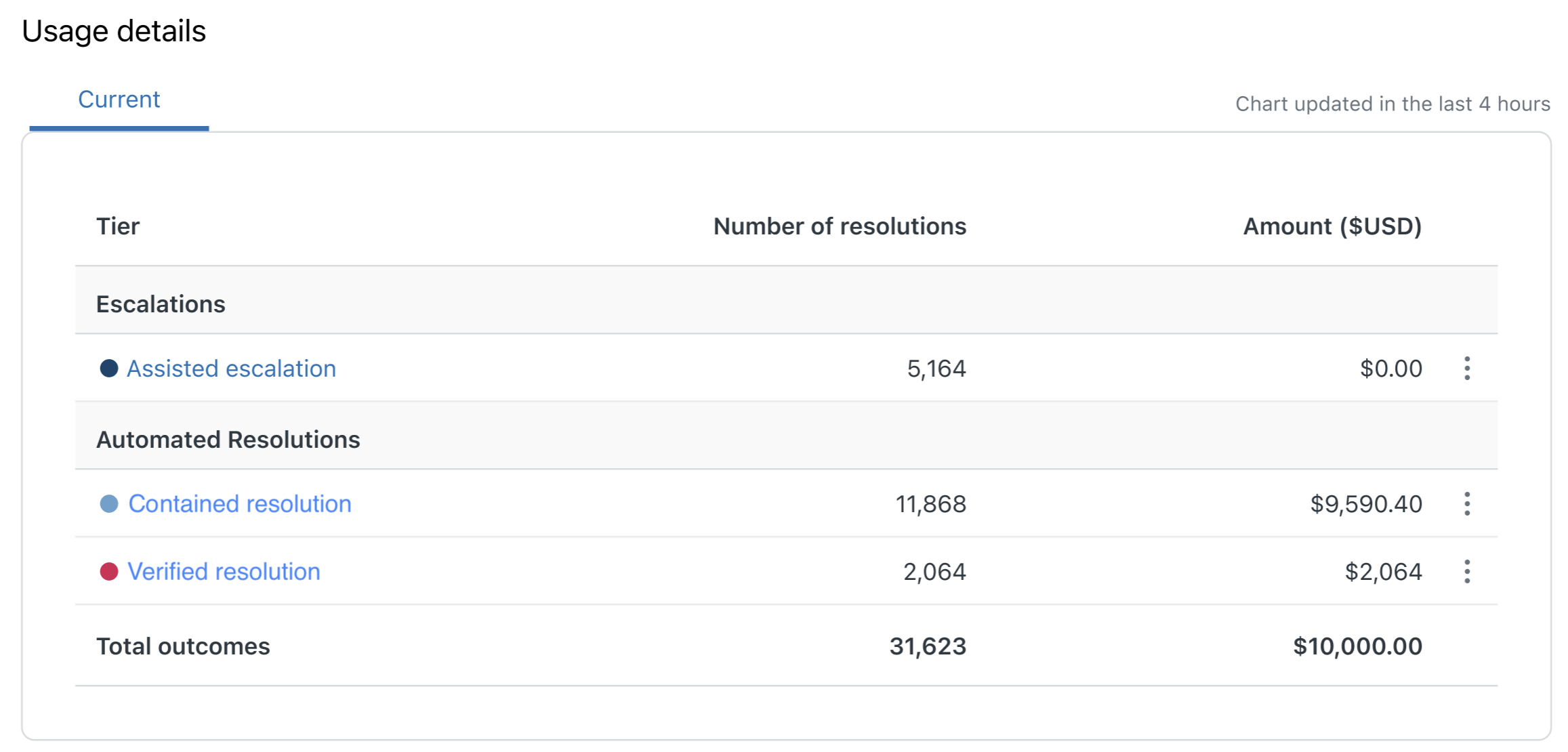
- Customers that have an evolved pricing model for automated
resolutions will see the resolution
usage and resolution
allowance dashboards in Admin Center.
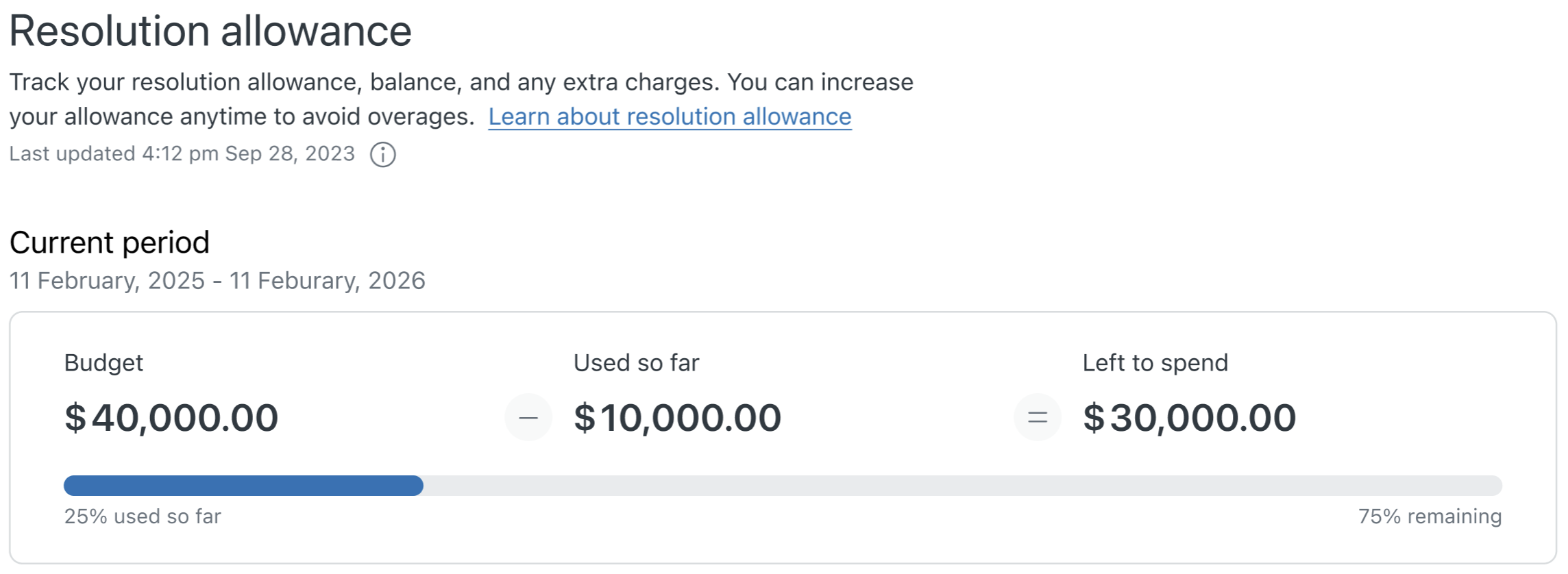
All admins will see the resolution usage dashboard. Only billing admins and the account owner will see the resolution allowance dashboard.
-
In Admin Center, click
Account in the sidebar, then select Usage > Resolutions.
-
In Admin Center, click
Account in the sidebar, then select Billing > Resolution allowance.
-
In Admin Center, click
- Customers who are upgrading to the new evolved pricing model will receive a 30 day notice from Zendesk before your account is upgraded. Contact Zendesk Sales for details.